I was contracted by Whoa Joe Productions to composite a couple of shots for a dance showcase created for Florida State University College of Dance. The work involved combining multiple plates of the same dancer in different costumes to create the illusion of two performers interacting within the same shot. You can view the final video, composited shots, and breakdown below!
Final Composited shots:
Shot One
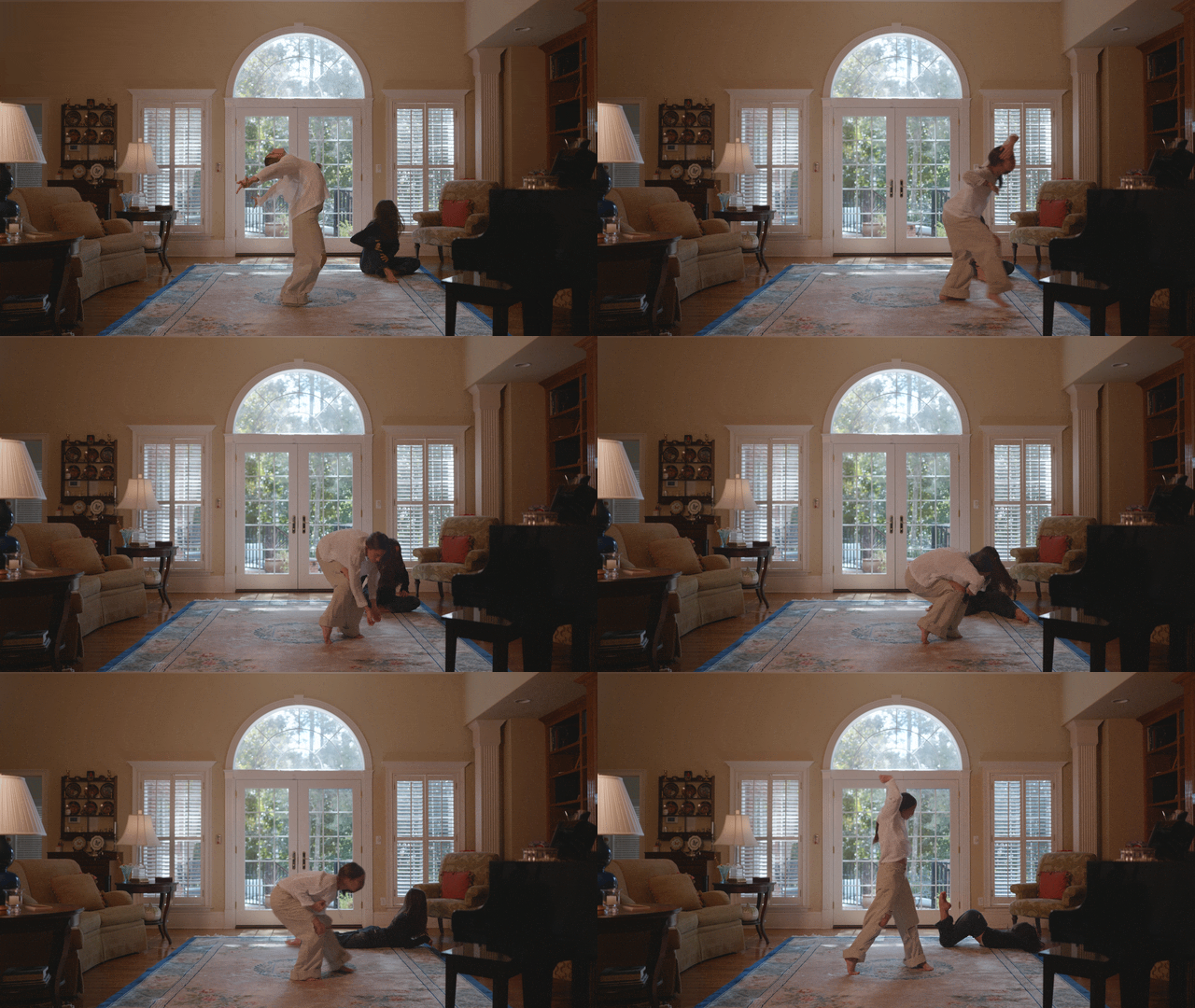
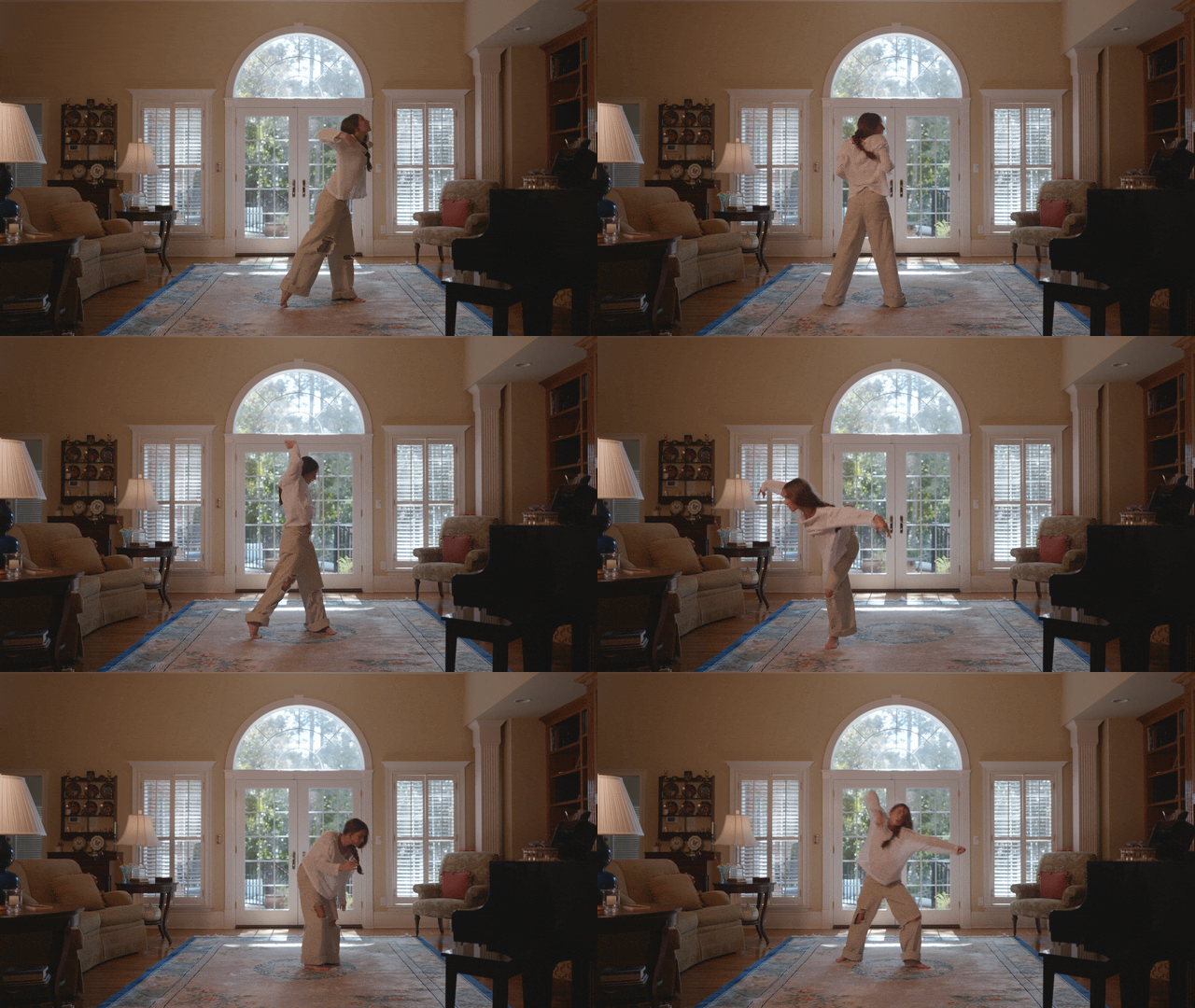
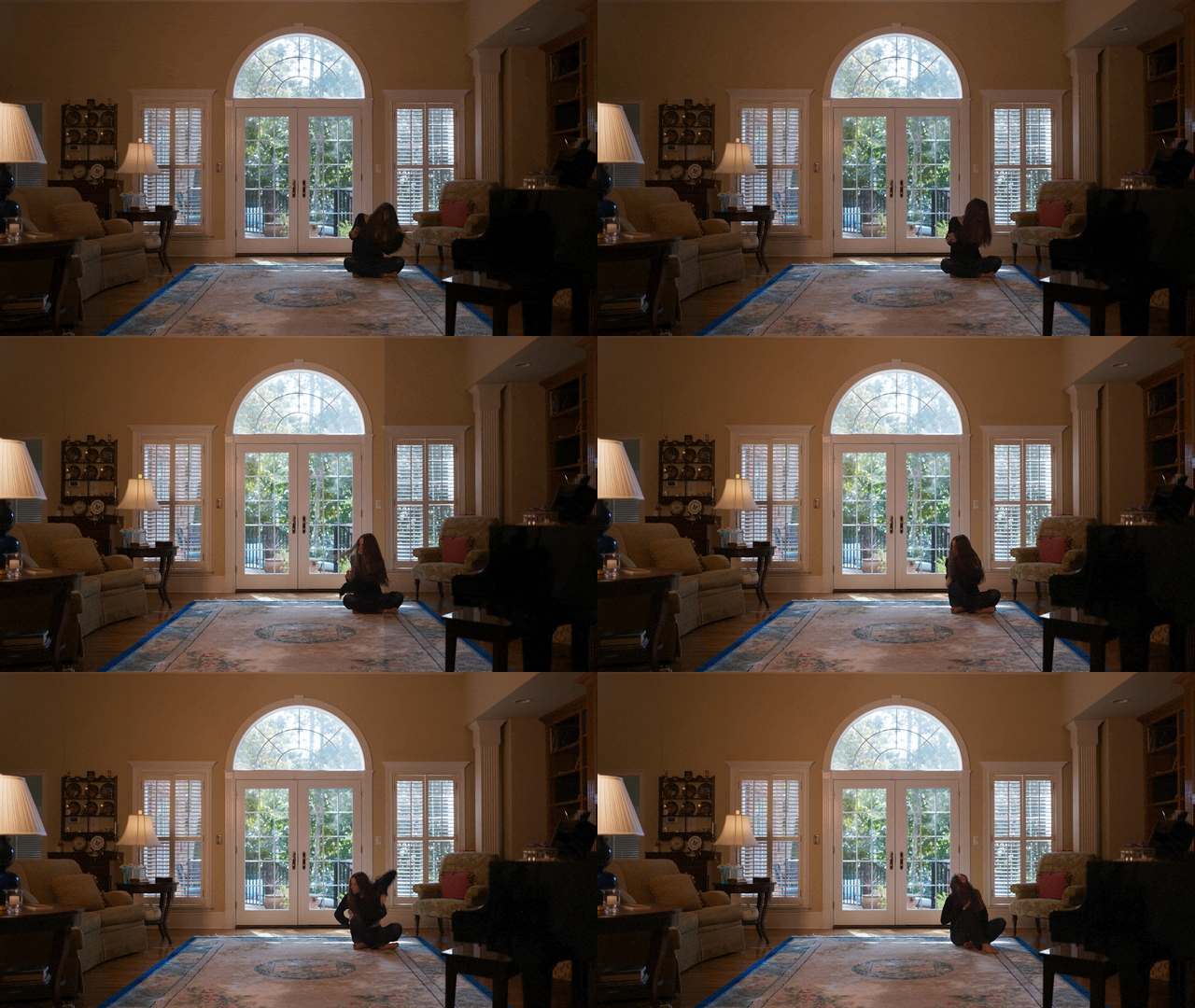
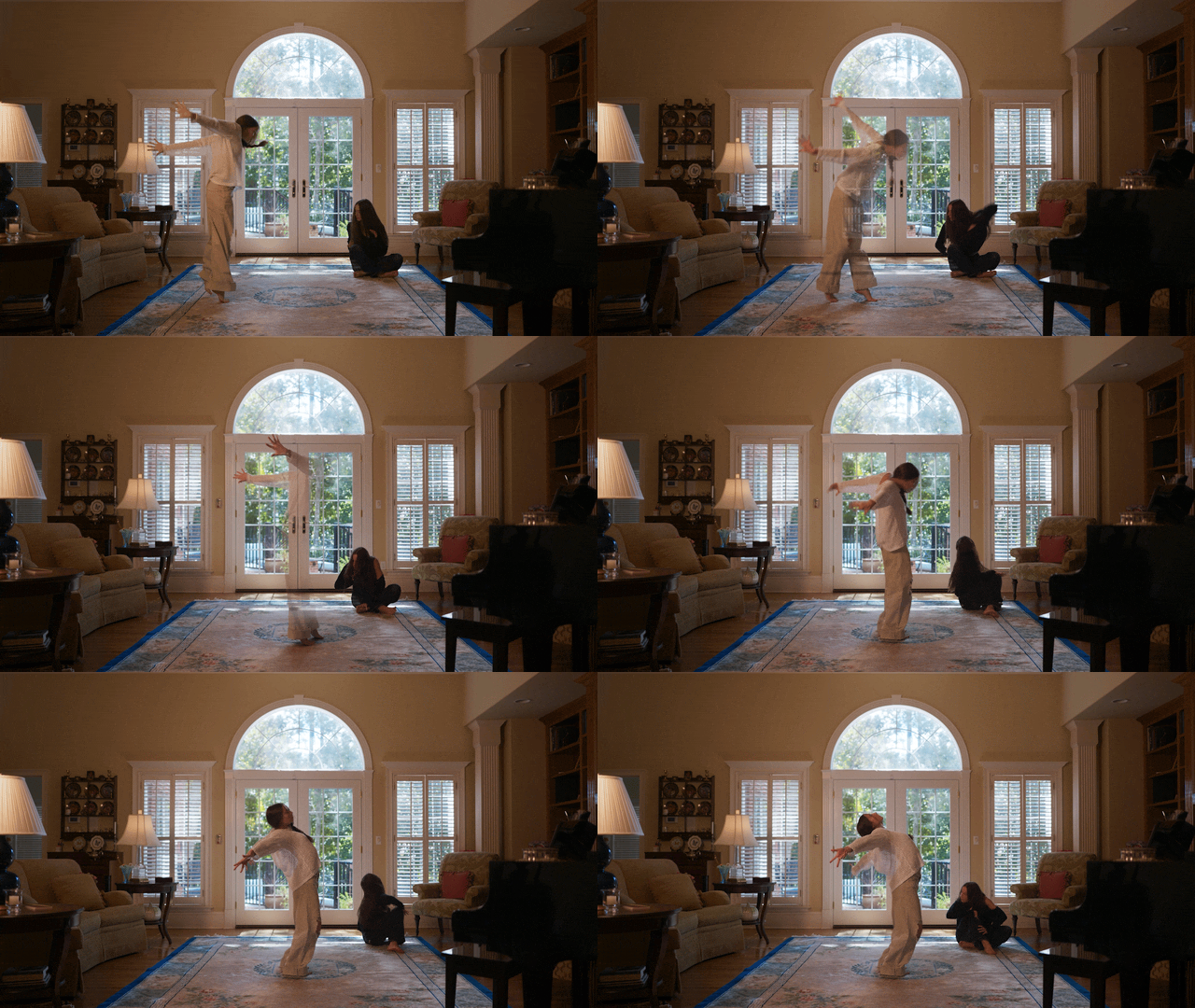
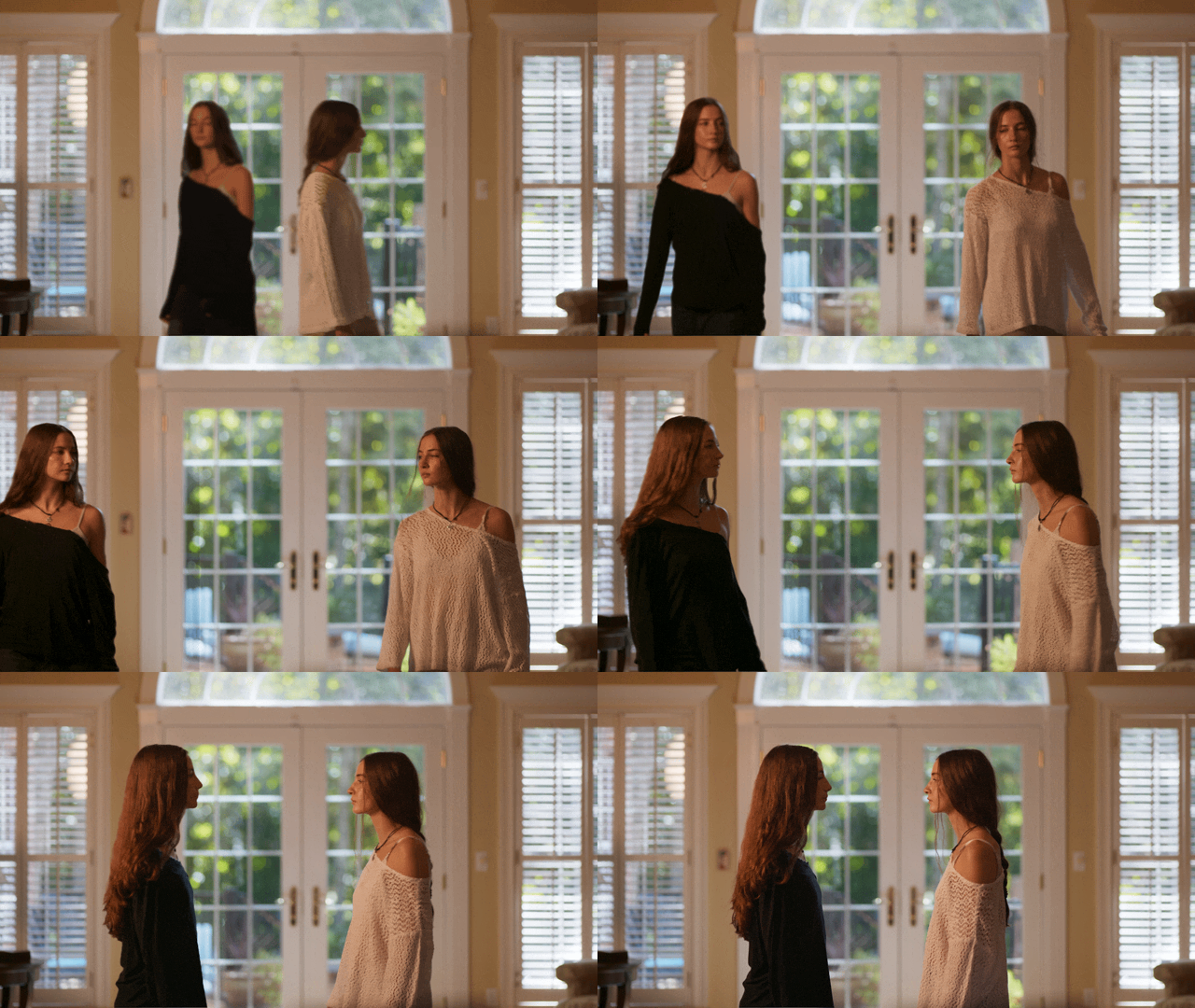
To create the illusion that both actresses were in the same room, the actress in light clothing needed to be composited over the footage of the darker-clothed actress. The client initially attempted to rotoscope the shot using Blackmagic’s tools, but some visible artifacts broke the realism of the shot.
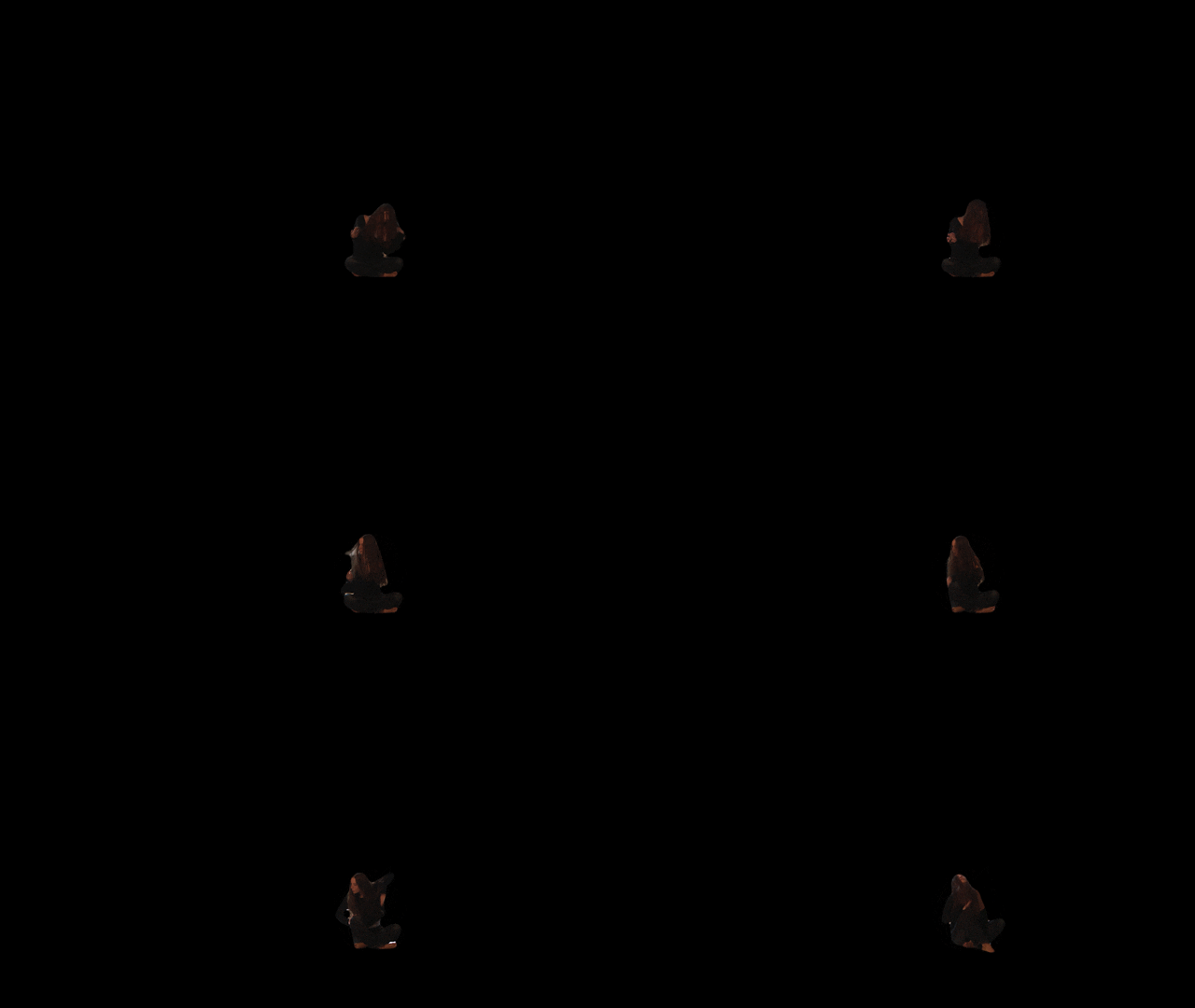
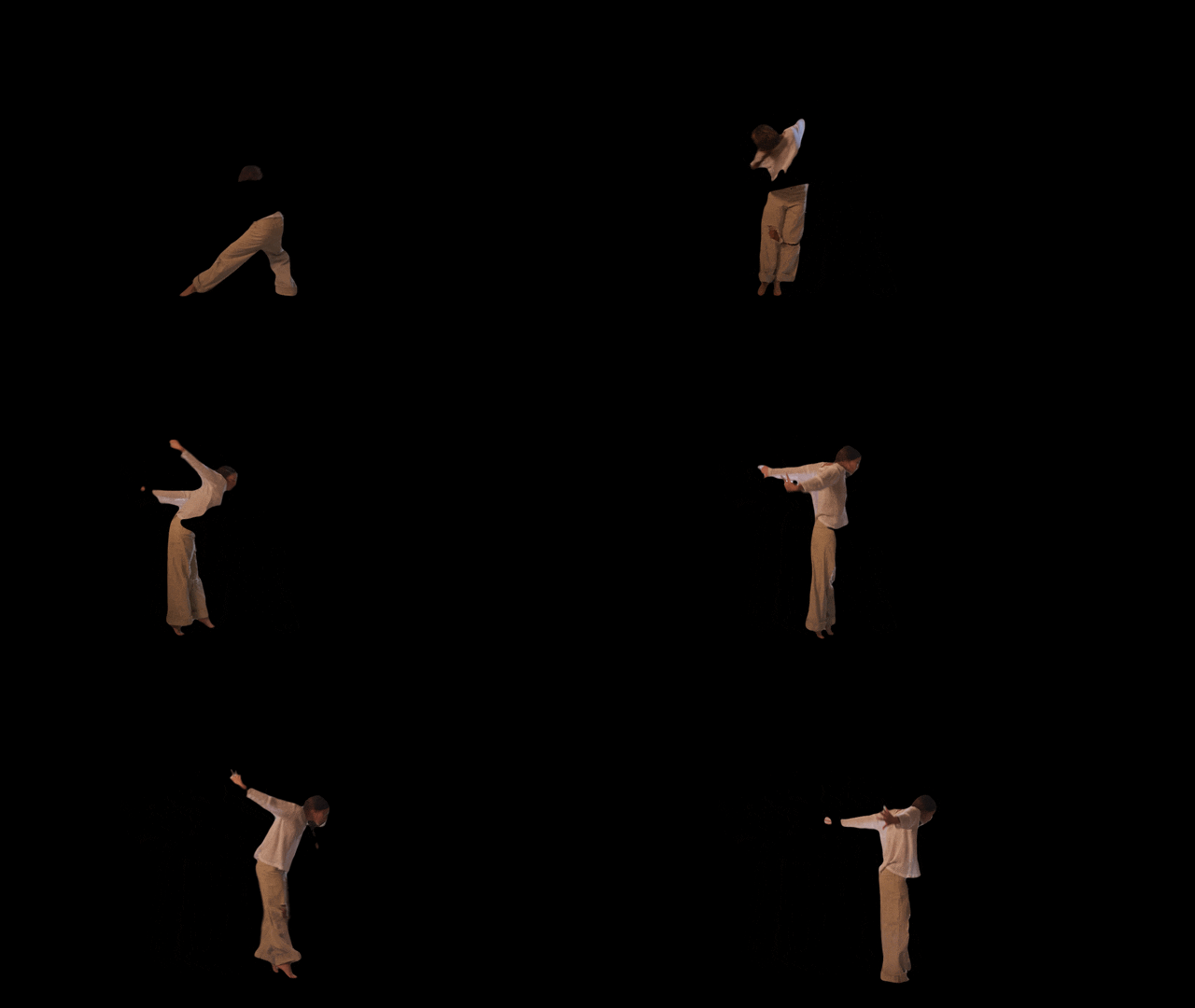
I first tested After Effects Roto Brush, but fine details like the ponytail and fingers were difficult to isolate against the bright window shutters. After reviewing the footage, I noticed the darker actress rarely crossed into frame left, which allowed for a more efficient approach.
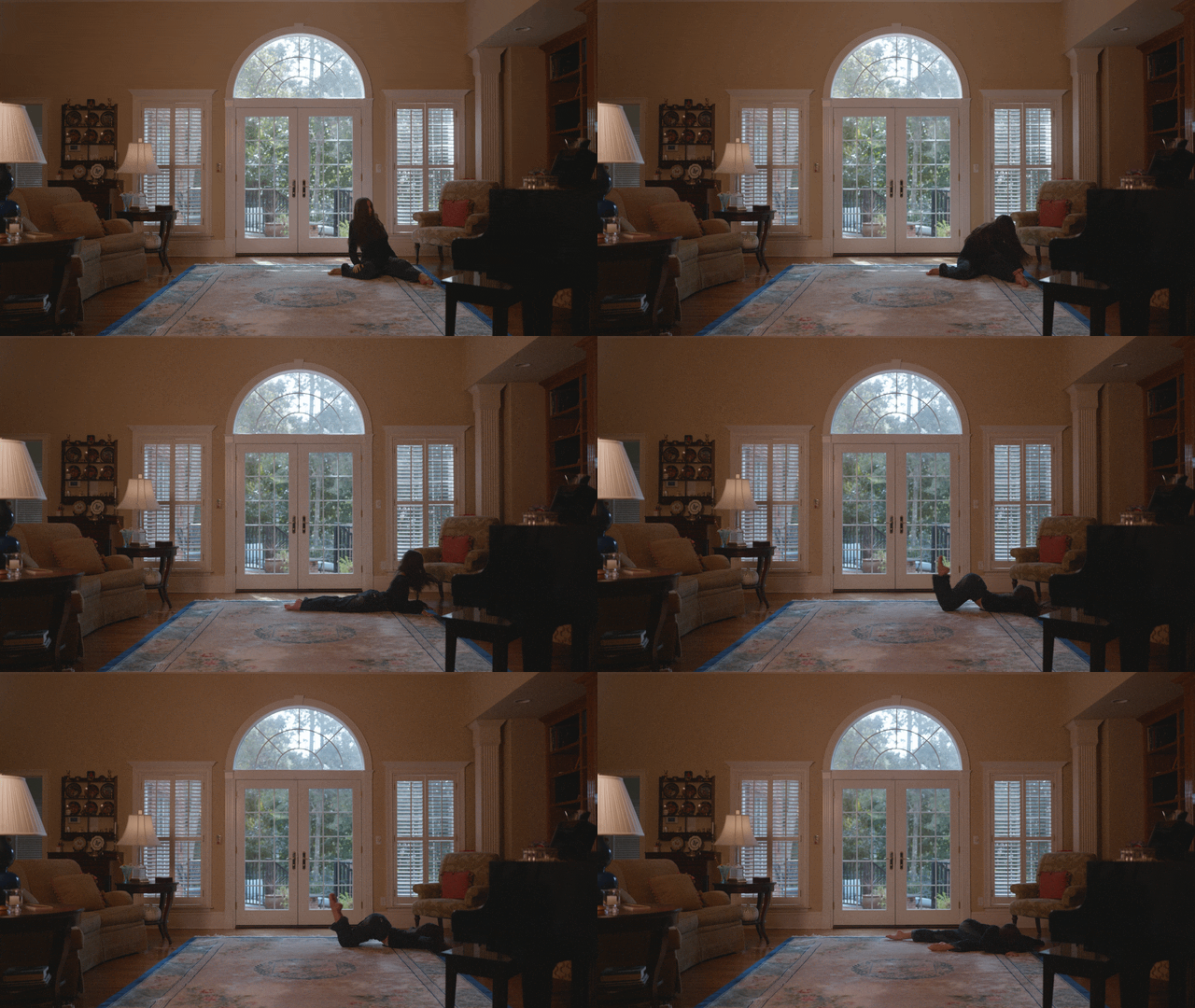
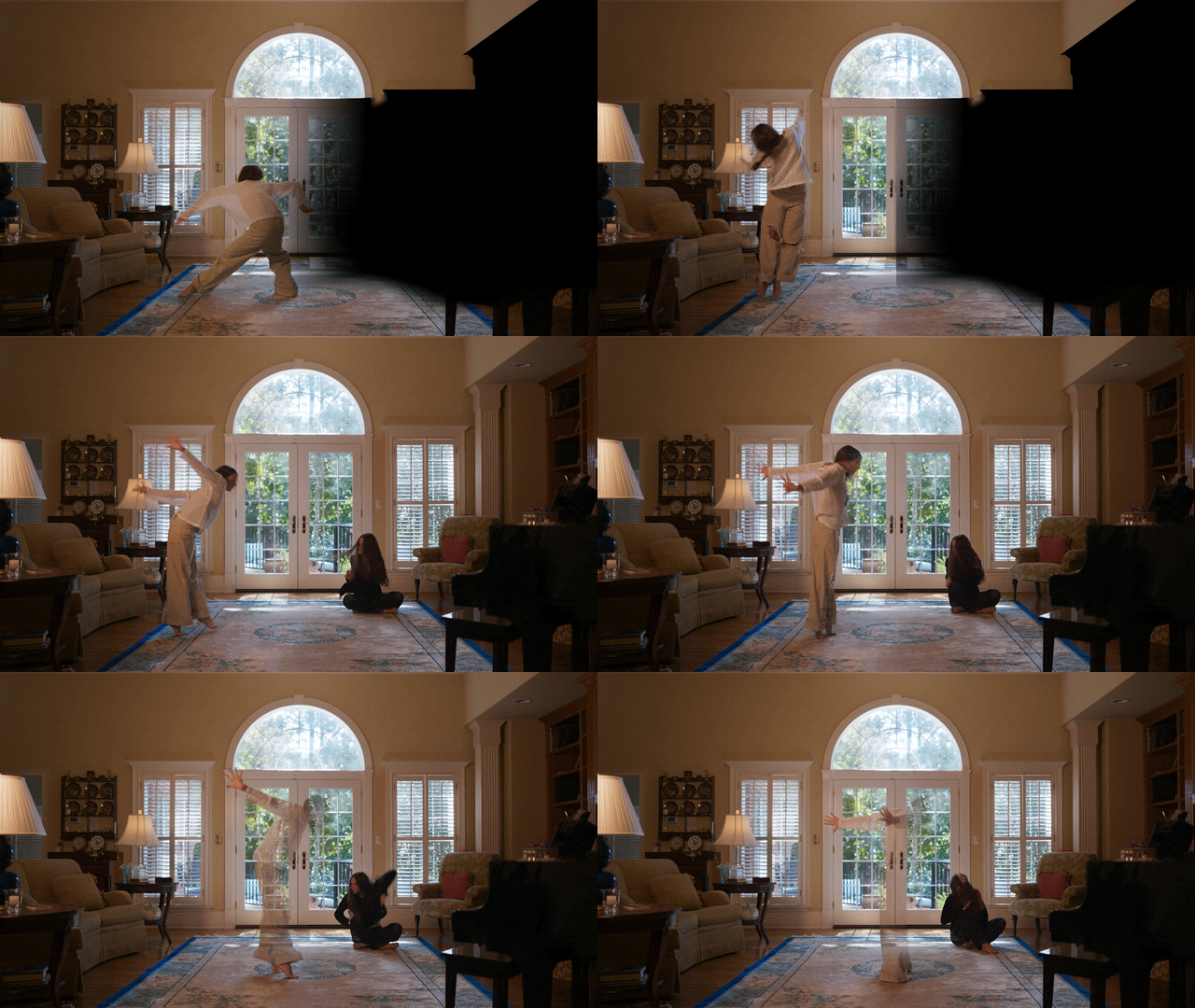
Instead of relying entirely on roto, I split the frame into left and right regions and blended the two plates together with a gradient. This meant I only needed to rotoscope each actress when crossing into the opposite side of the frame, saving a ton of time, and improving the quality of the shot.
Before combining the plates, I color-matched the darker actress plate to the lighter plate, blended the backgrounds, and adjusted the lighting on the floor so both plates matched seamlessly.
Now that both of the plates had been combined, I used the Roto Brush tool again, to isolate both the darker actress and the lighter actress. Because the underlying plate had already been combined, I could focus most of my effort on moments when the actresses crossed frame, saving me a ton of time.
Lastly I animated a mask below the darker clothed dancer to improve the quality of the shadow beneath her, since some of that detail had been lost when both plates were combined.
Shot Two
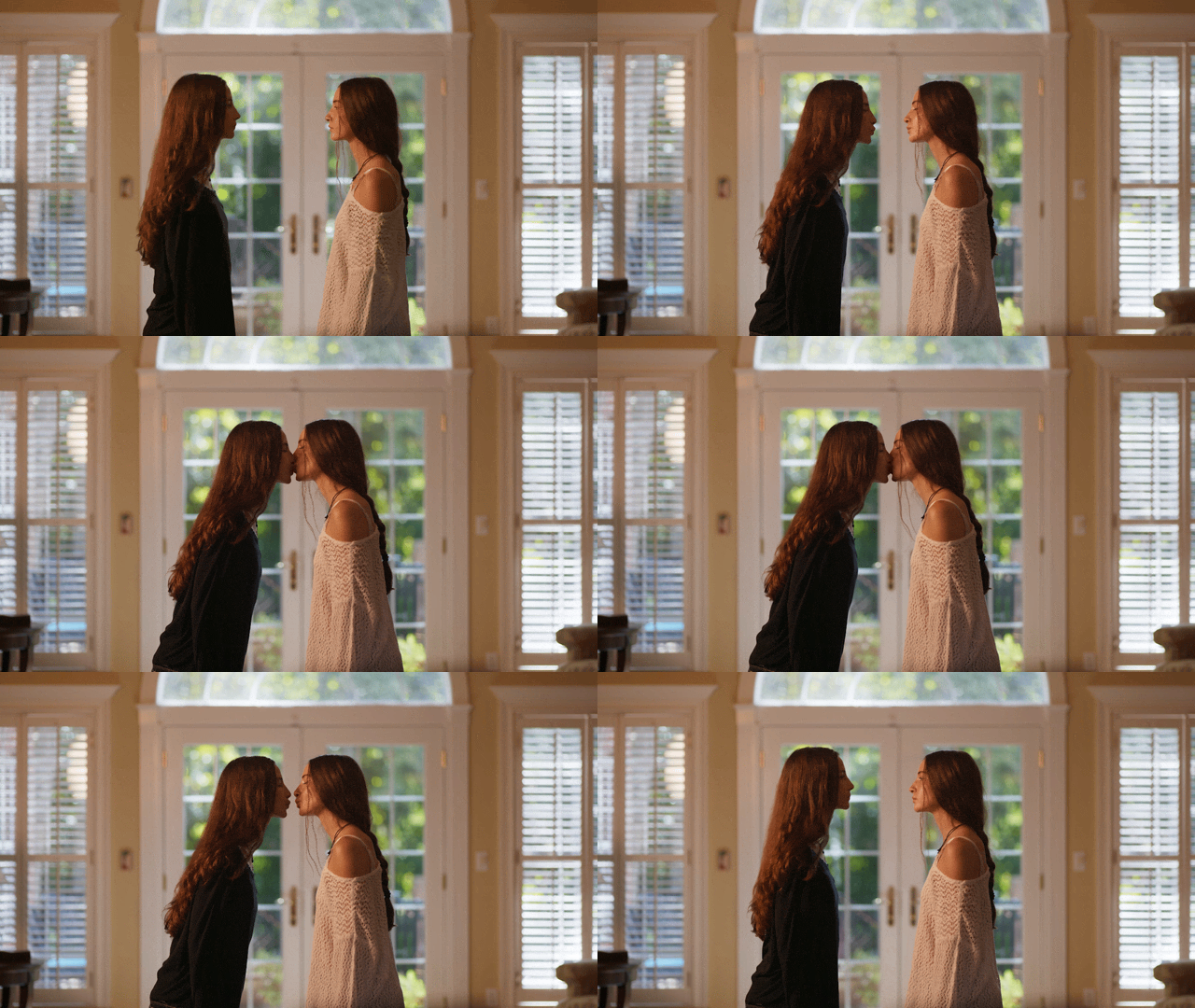
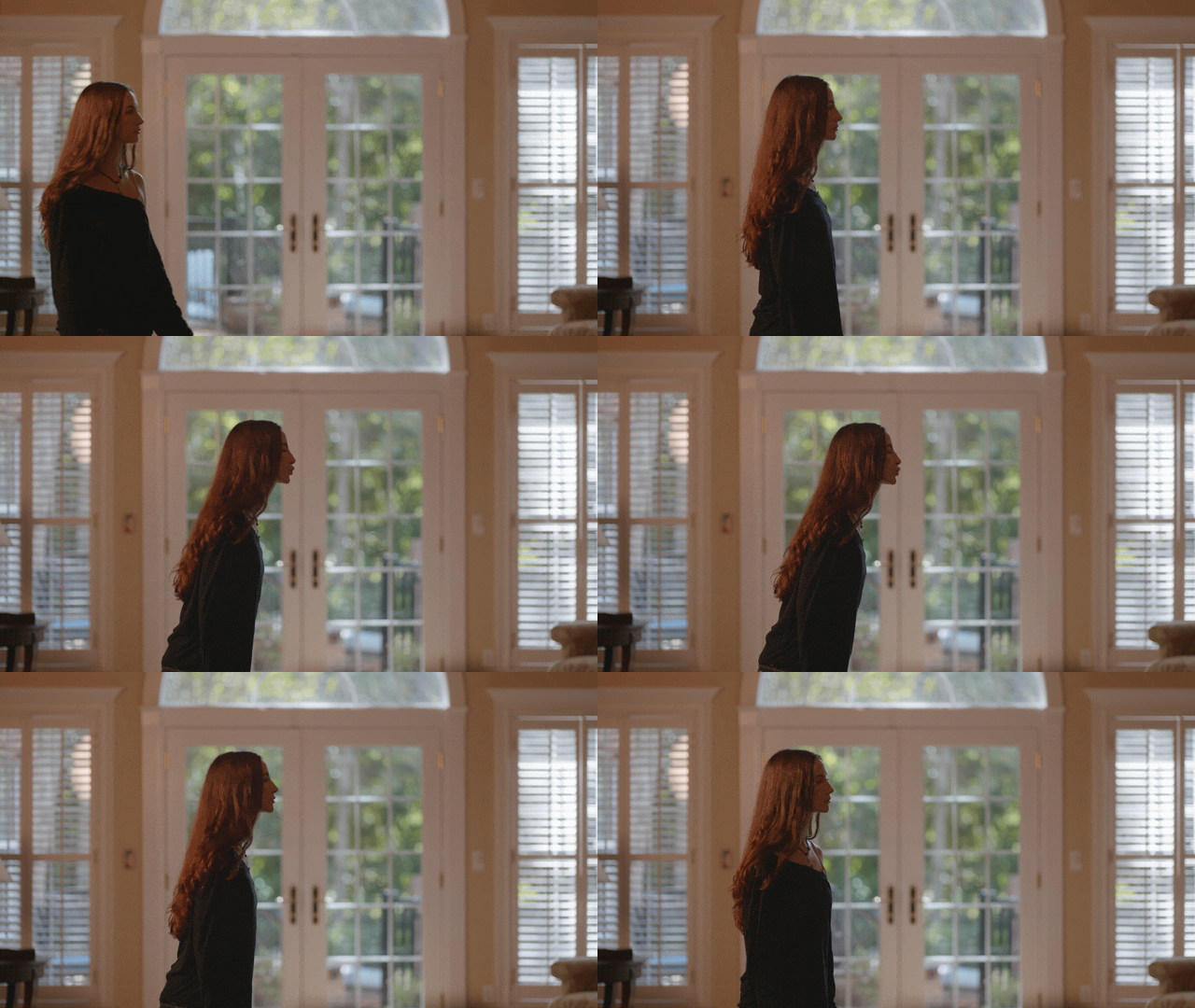
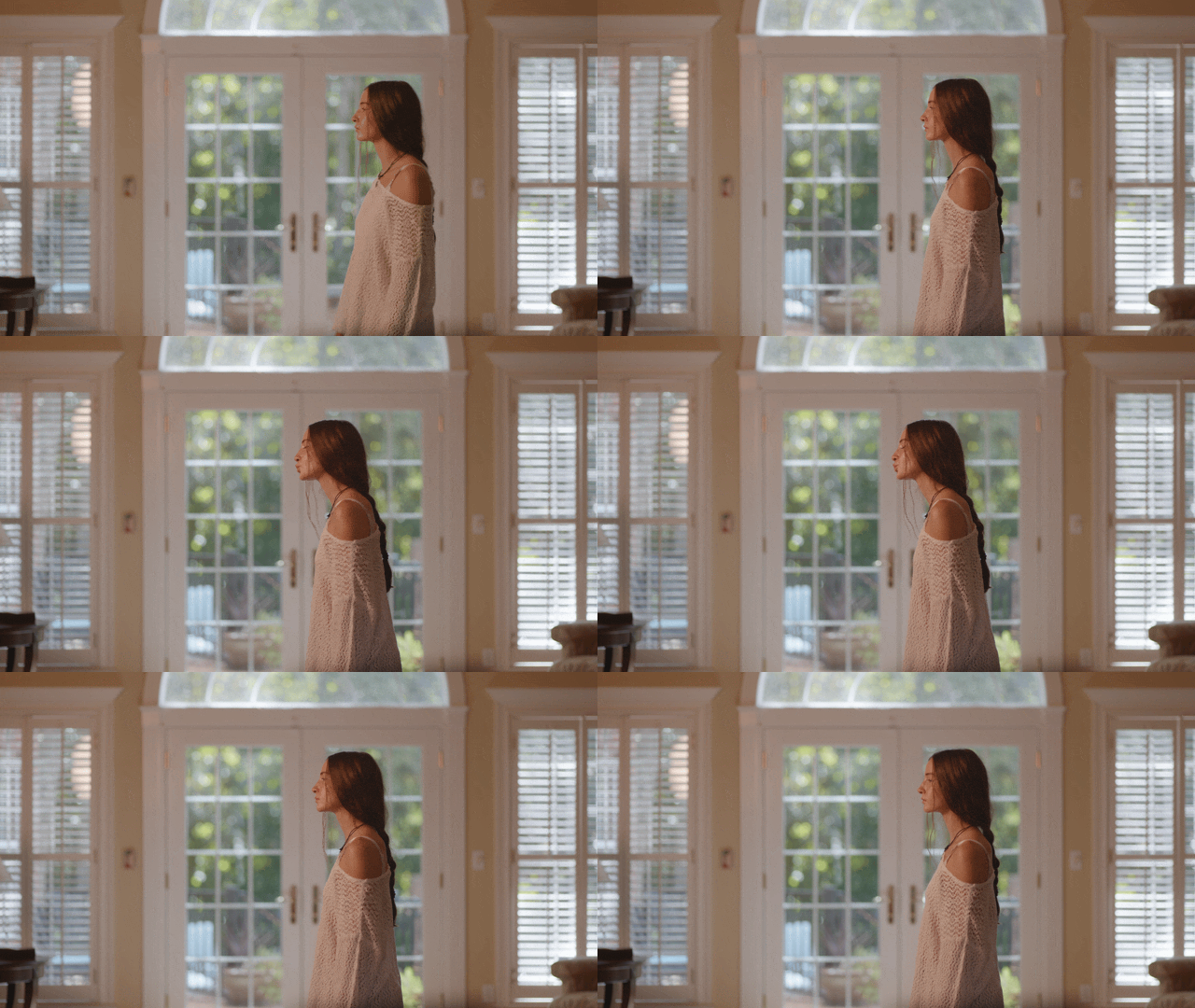
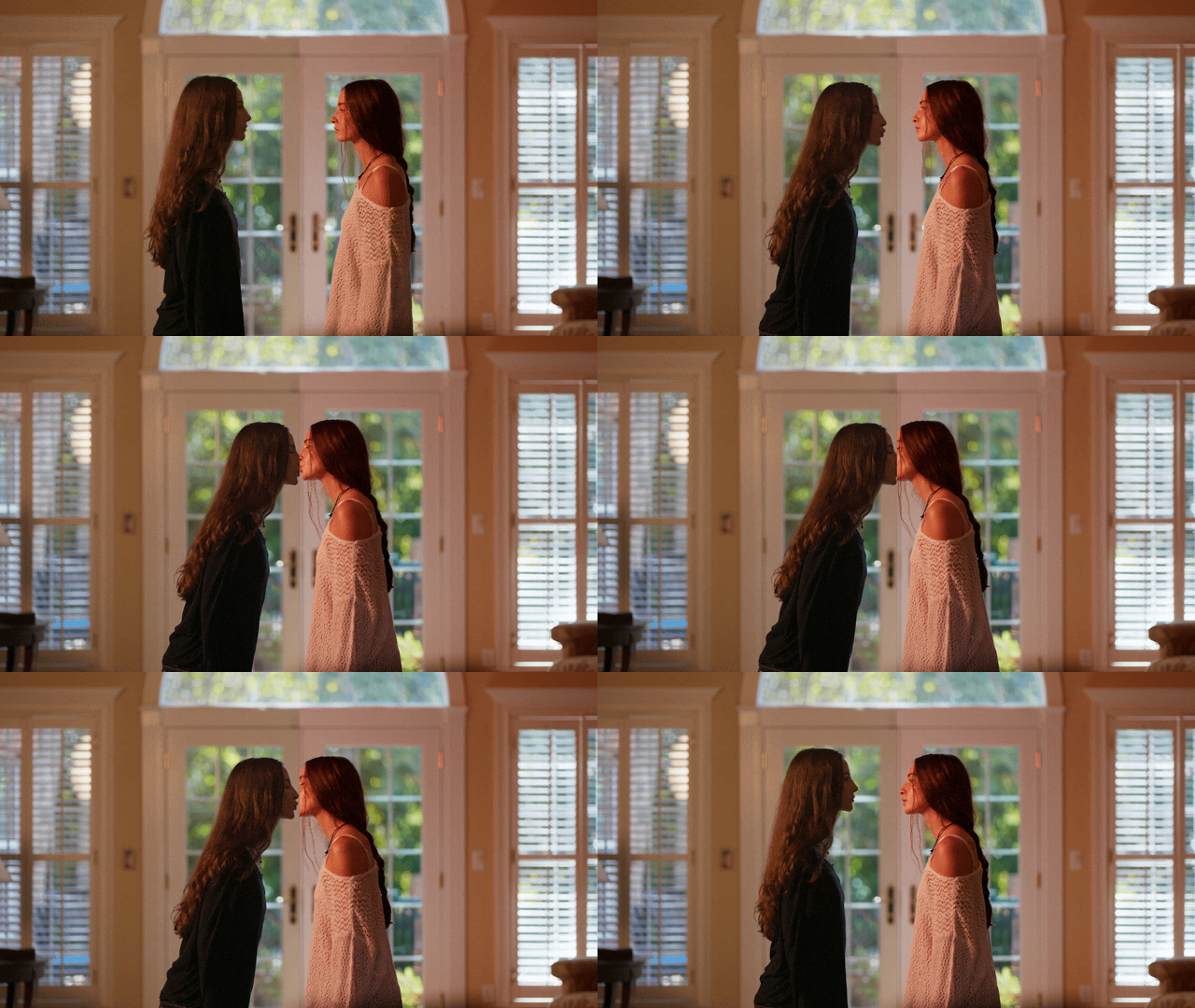
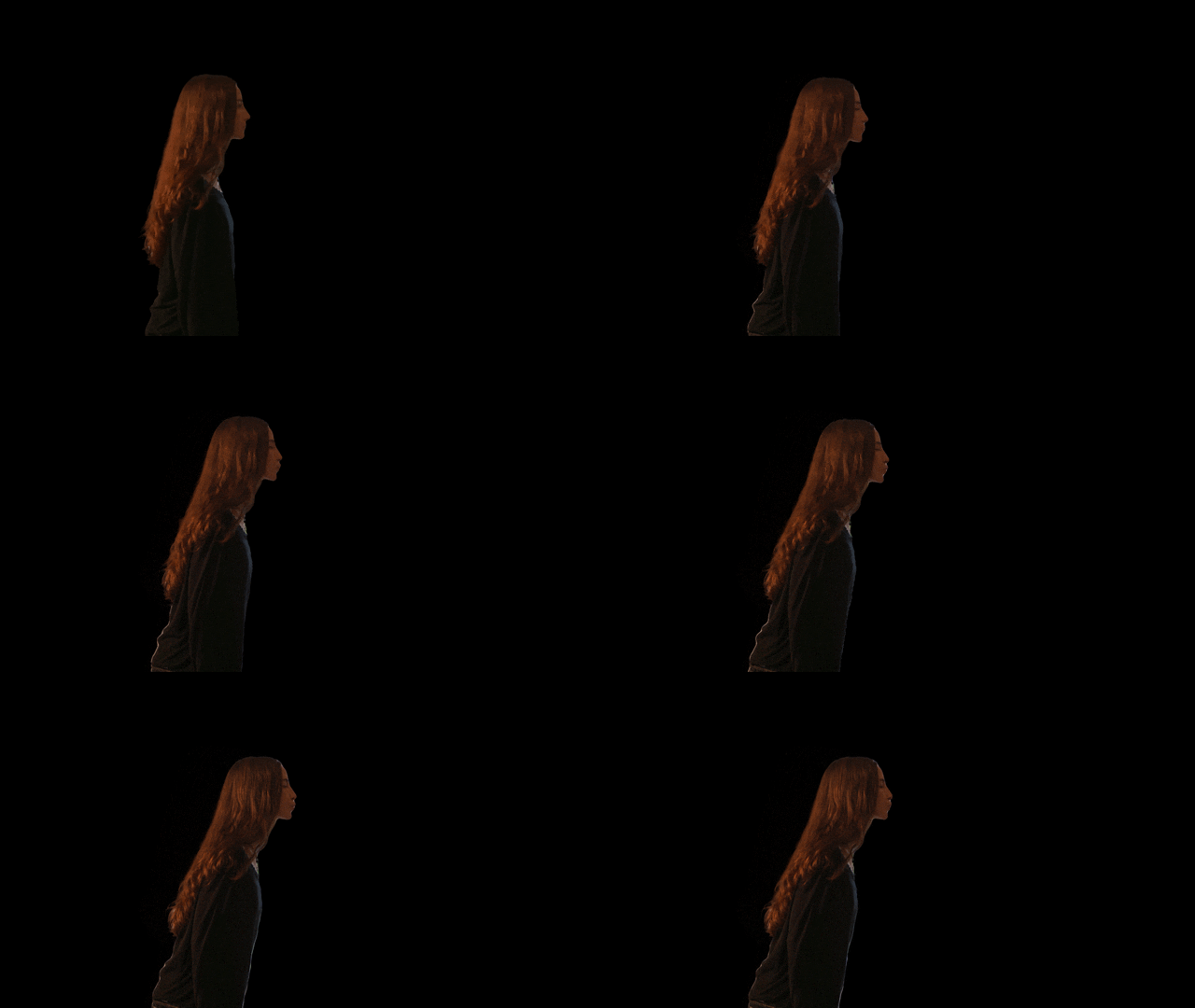
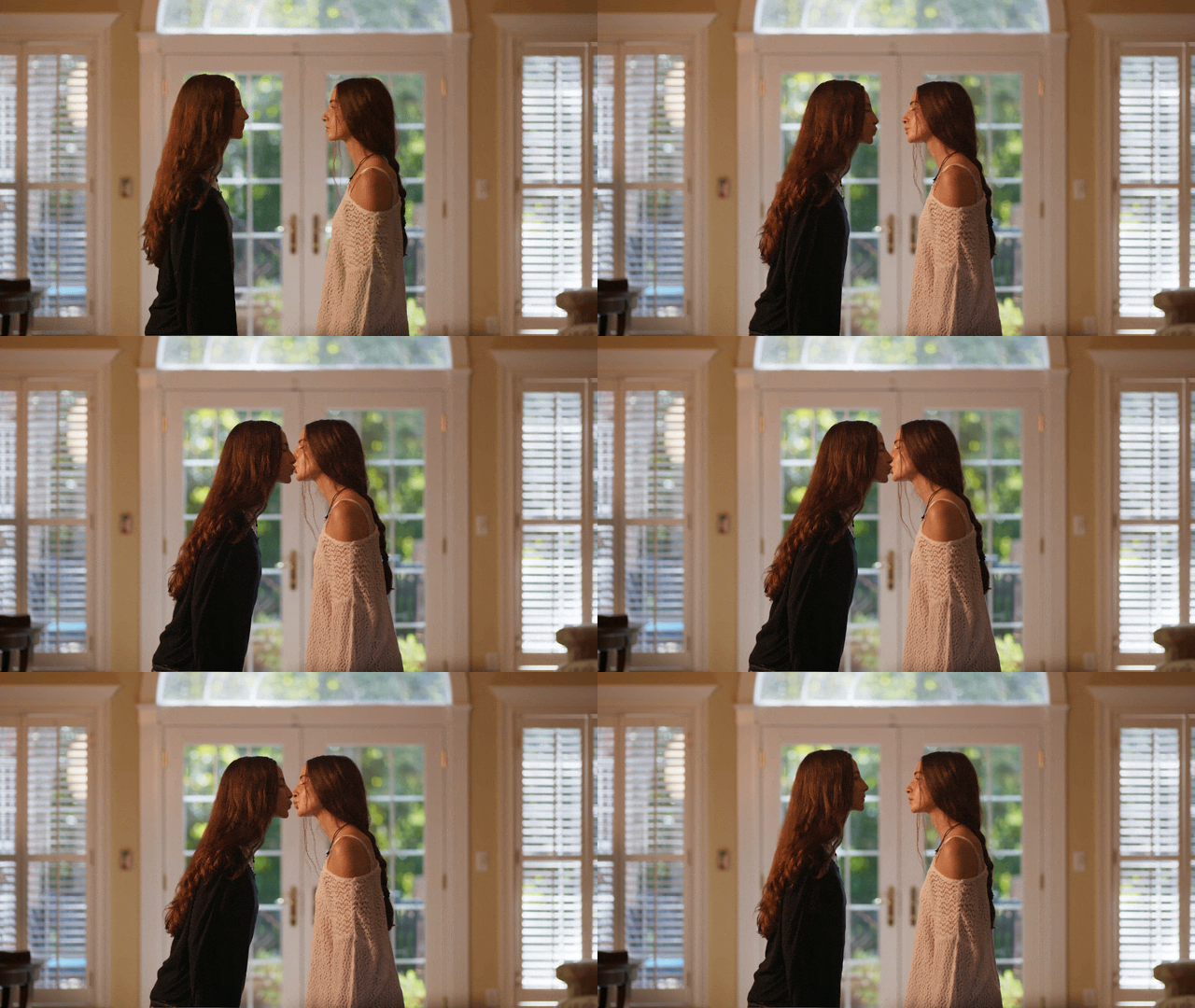
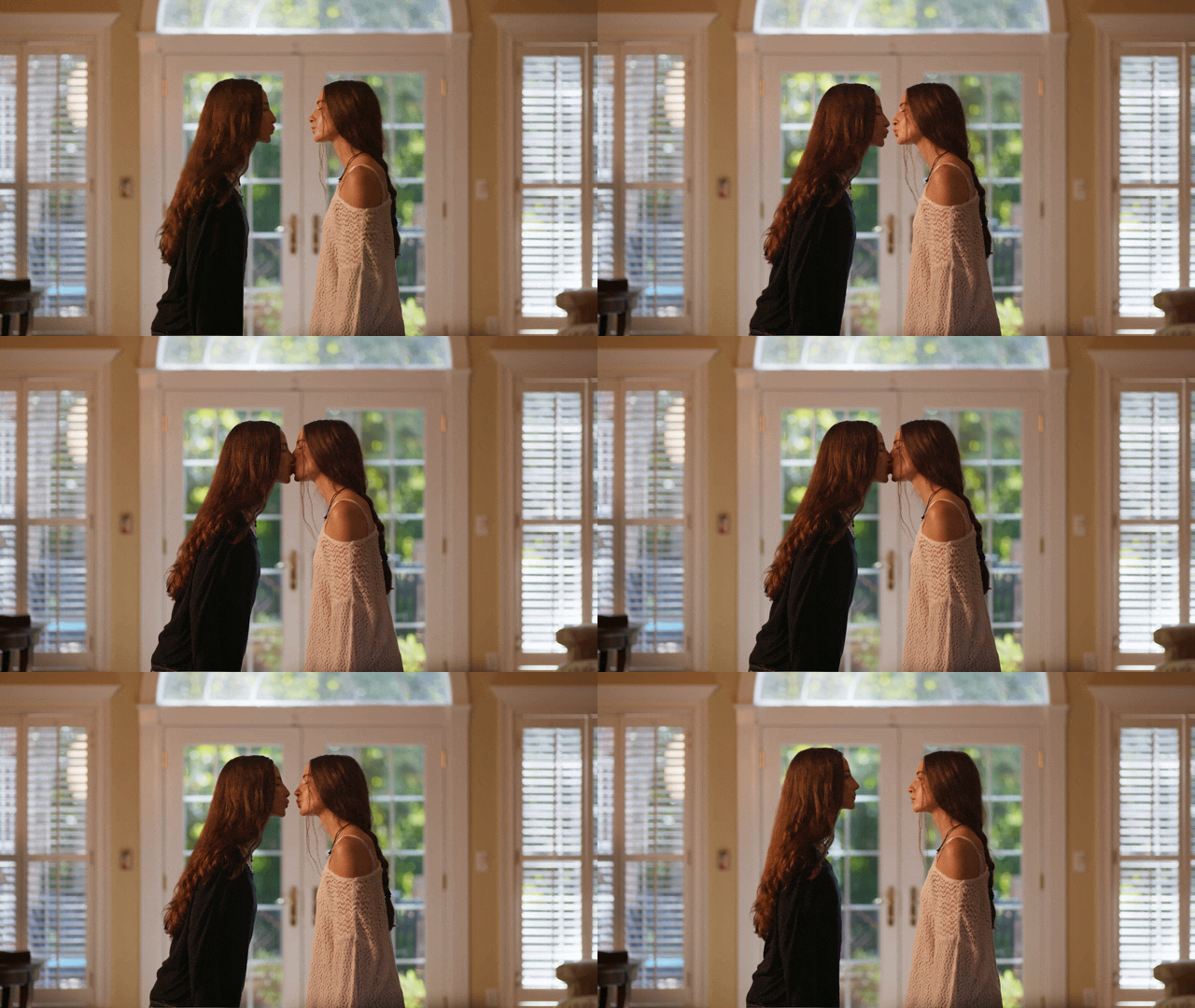
The second shot involved combining two plates of both actresses kissing. While the roto work was more straightforward and the lighting matched across both plates, the timing and duration of the kiss differed between takes.
To make the interaction feel believable, I first re-timed both shots so the kiss aligned naturally. I then used After Effects’ Roto Brush to isolate the darker-clothed actress, as her silhouette and hair detail resulted in a cleaner roto. After compositing both plates together, I refined the timing to finalize the shot.
Next, I used Mocha to track both actresses’ faces and created animated shadow masks that darkened as they leaned forward to kiss, helping blend the interaction more naturally. I also added an animated shadow pass for the darker-clothed actress’s reflection crossing the glass-pane door, matching details visible in the original plate.
Once the shots were approved, I exported the 4K footage for final color grading. Working within an OCIO-managed workflow allowed me to preview the footage with the proper color transforms applied while preserving the original pixel depth, ensuring maximum flexibility for the final grade.