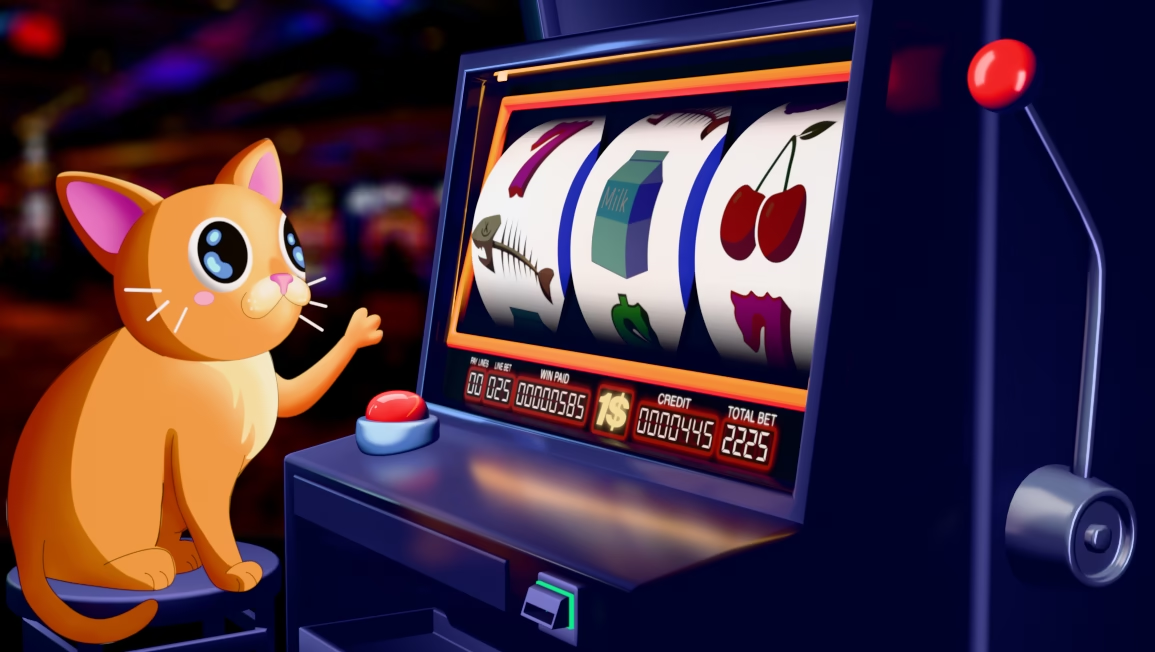
Project Created using Blender, Photoshop, and After Effects
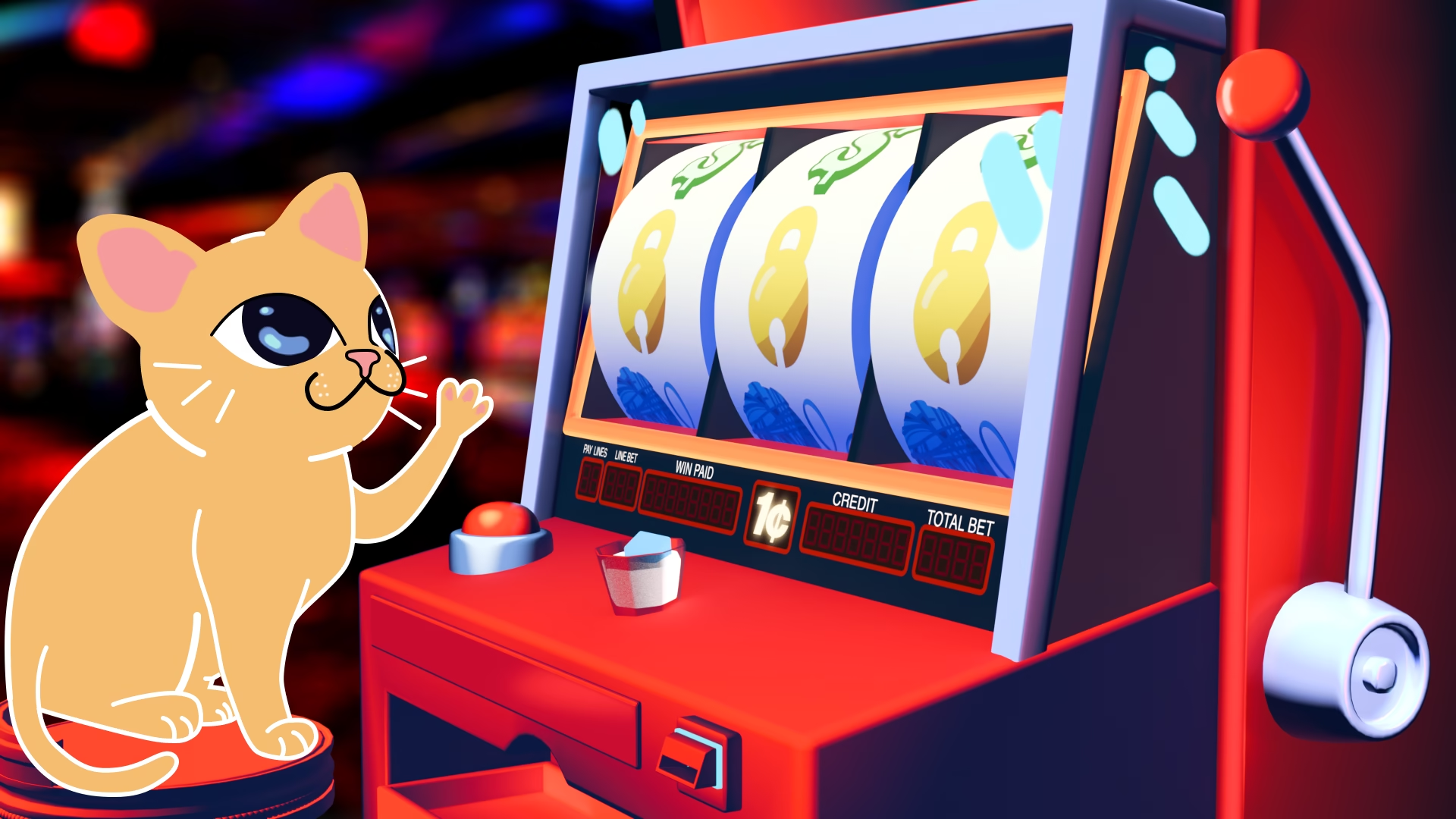
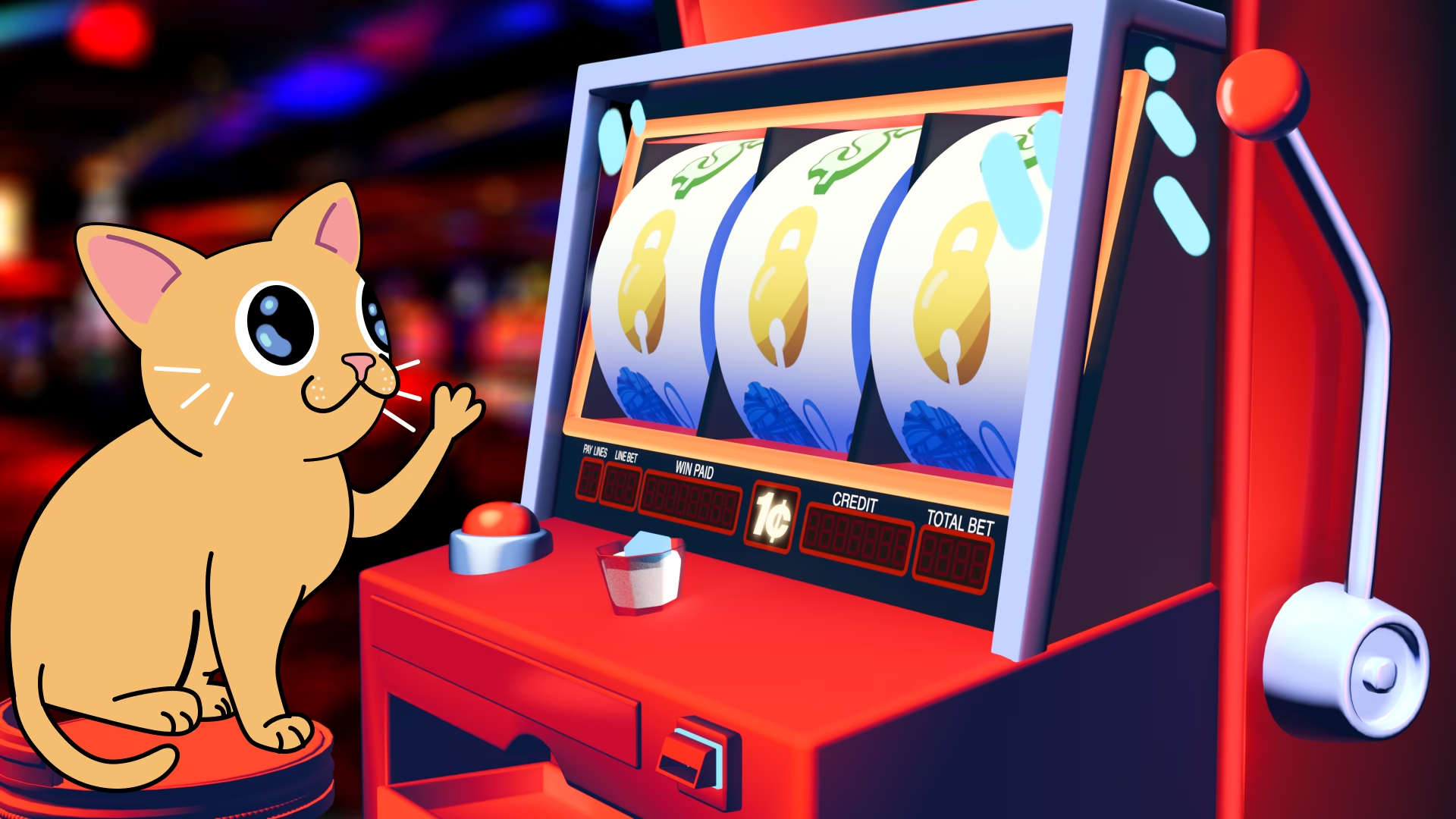
I created this project as a way to experiment with mixing 2D animation with 3D elements. I knew I wanted to create something with more of a graphic style and I landed on the idea of having a 2D cat play slots on a 3D modeled slot machine. Having the animation center around a slot machine also allowed me the opportunity to design some fun cat themed slot icons.
I liked the idea especially since both animated elements compliment each other. The cat’s action was fairly simple, so a 2D animation would be appealing and straightforward to animate, whereas the slot machine’s animation with the rolling slot icons would be much easier to animate as a 3D model.
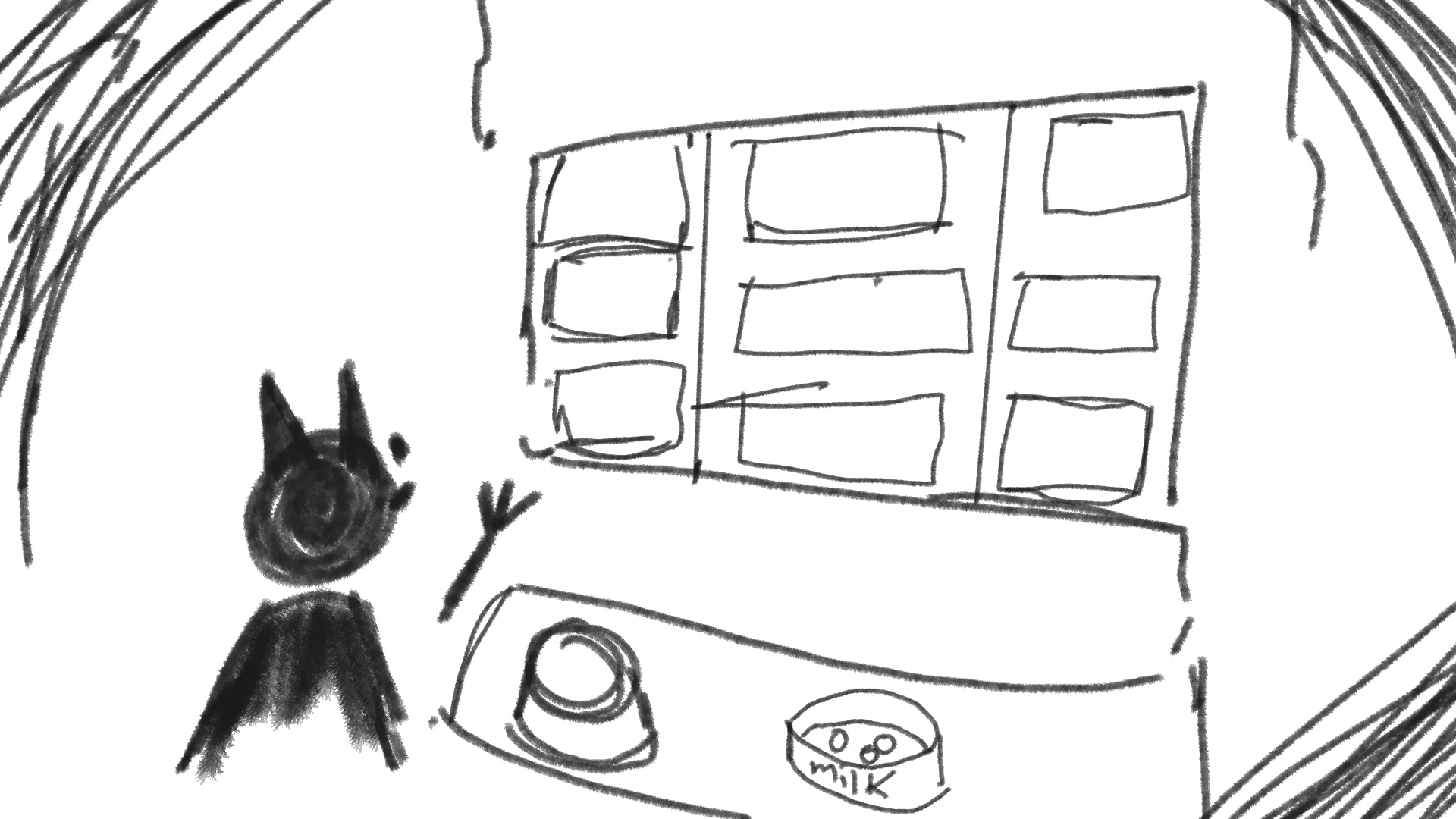
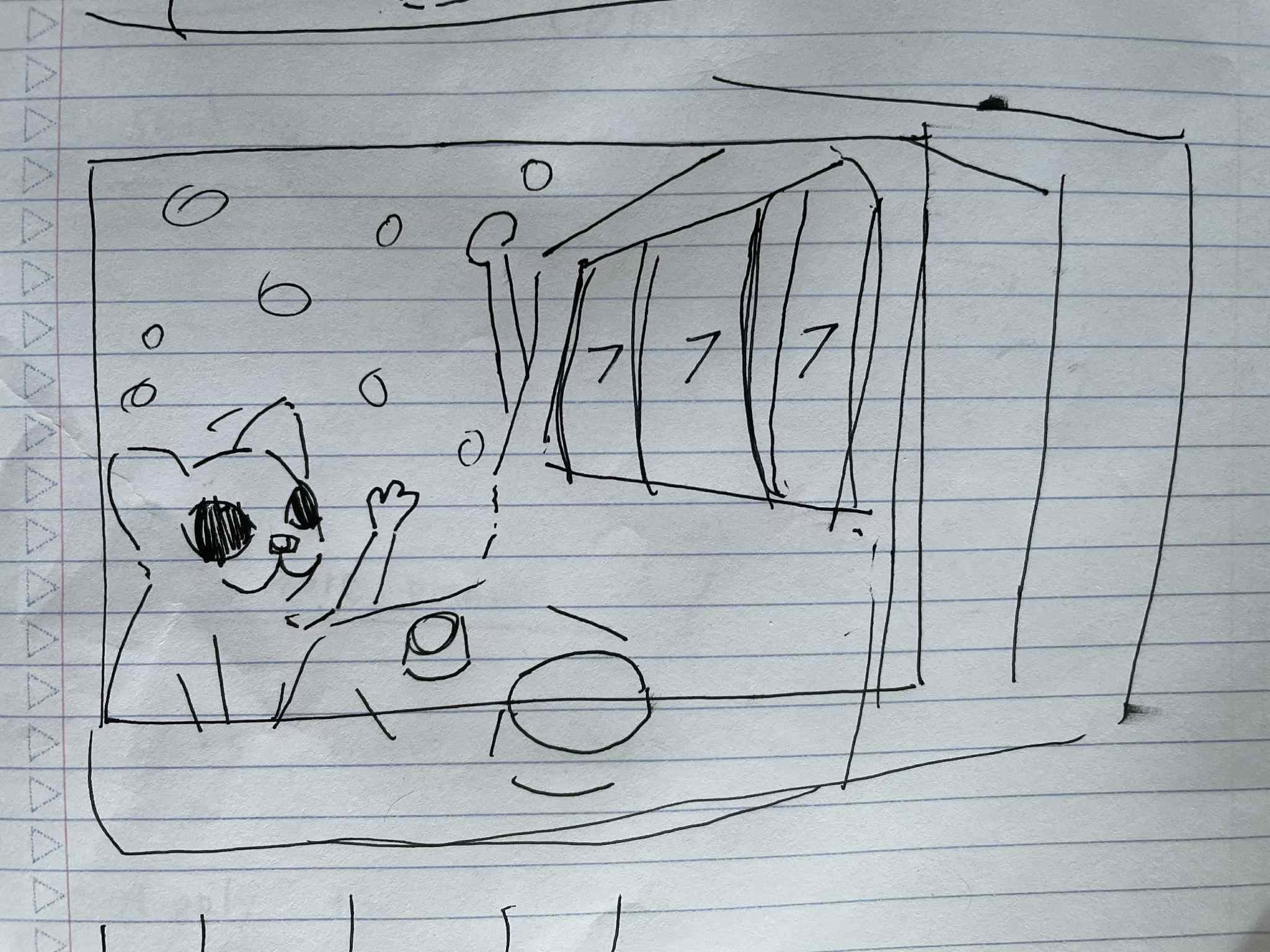
After gathering reference images, I made some quick sketches of what the scene could be. I initially was planning on having the cat face away from the camera but decided on more of a 3 quarter view so we could see the cat’s facial expression as well as the slot machine icons.
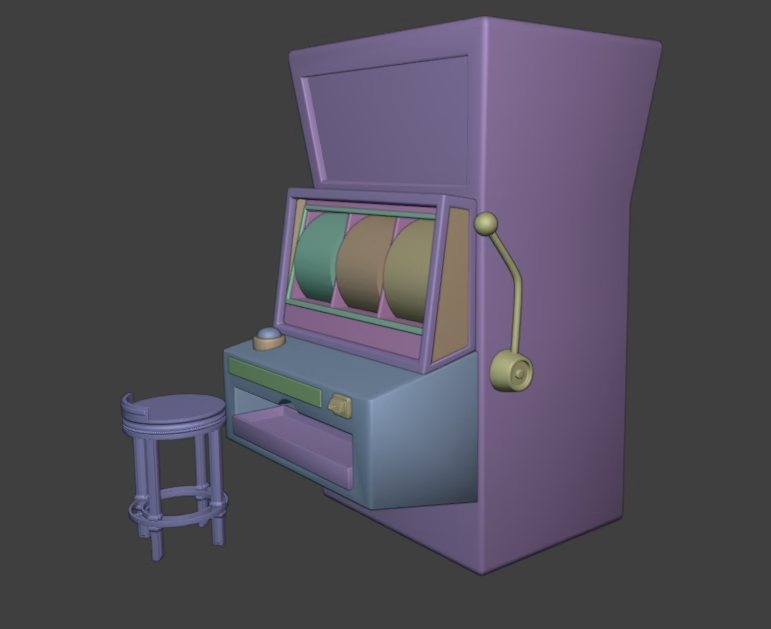
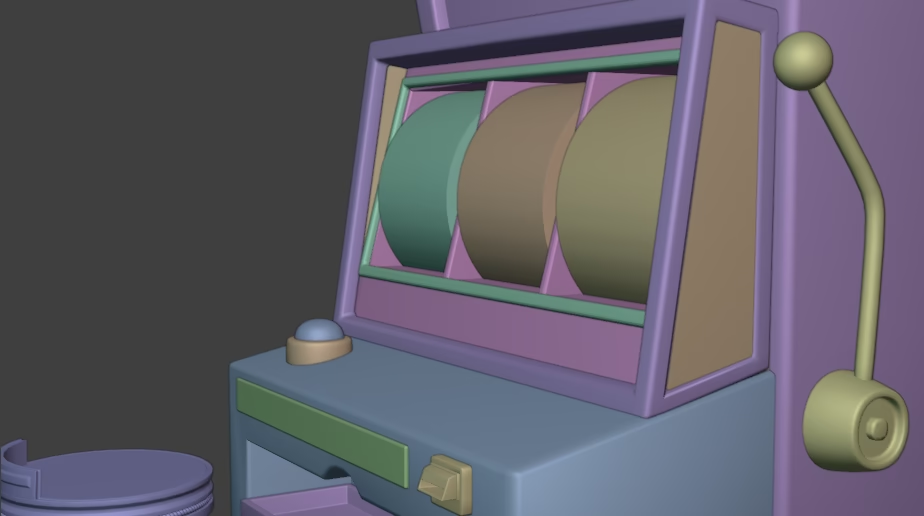
Now that I had an idea of what the composition was going to be, I began modeling the slot machine in Blender. Nowadays slot machines are mostly digital, but I decided to go with a more classic slot machine design since I felt it would read better and because I wanted to exaggerate the motion of each slot hit. After I created the model, I threw on some temporary textures, and placed the camera and a stool so I had the layout necessary to start working on how the 2D cat character would interact with the 3D Scene.
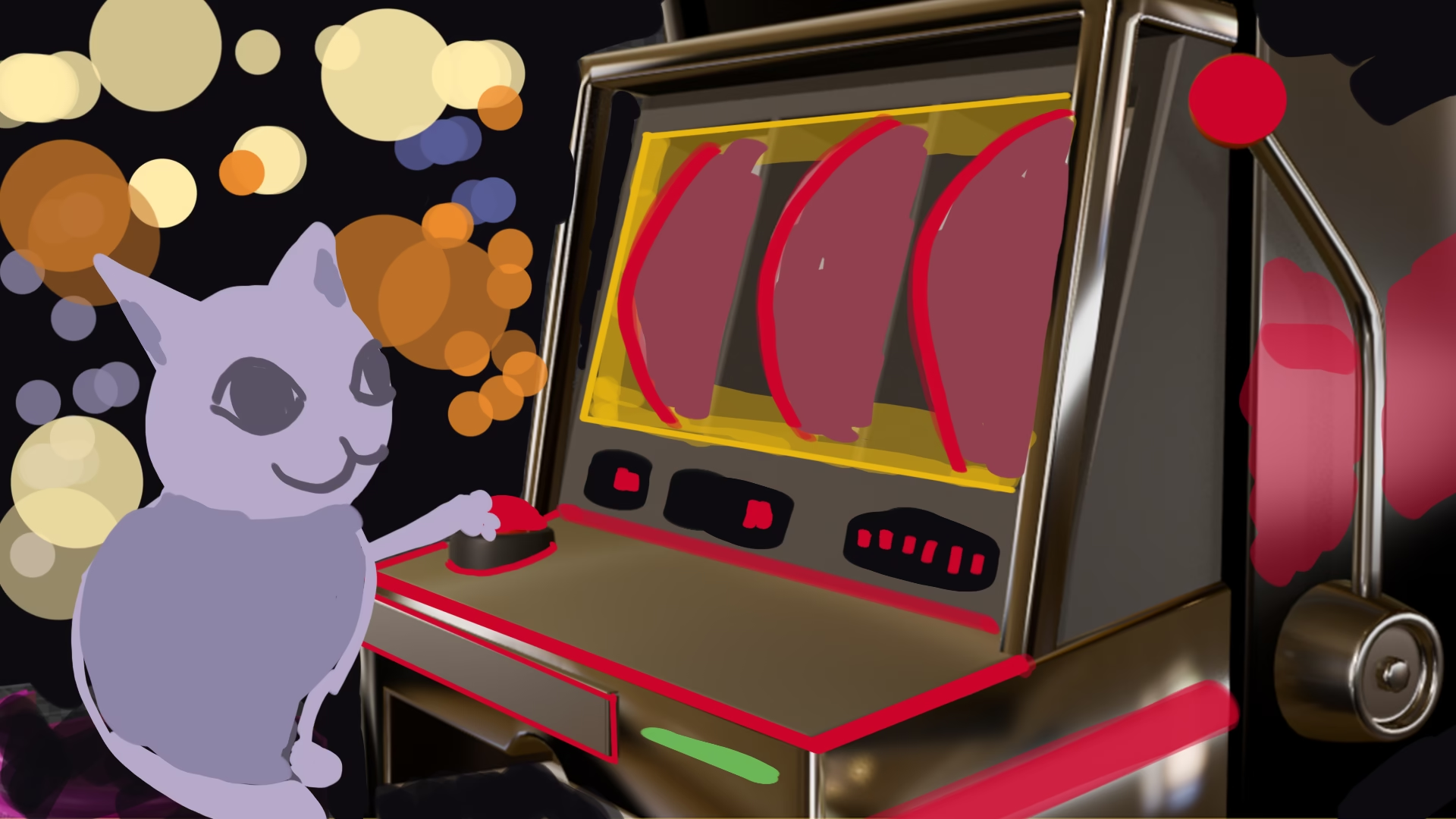
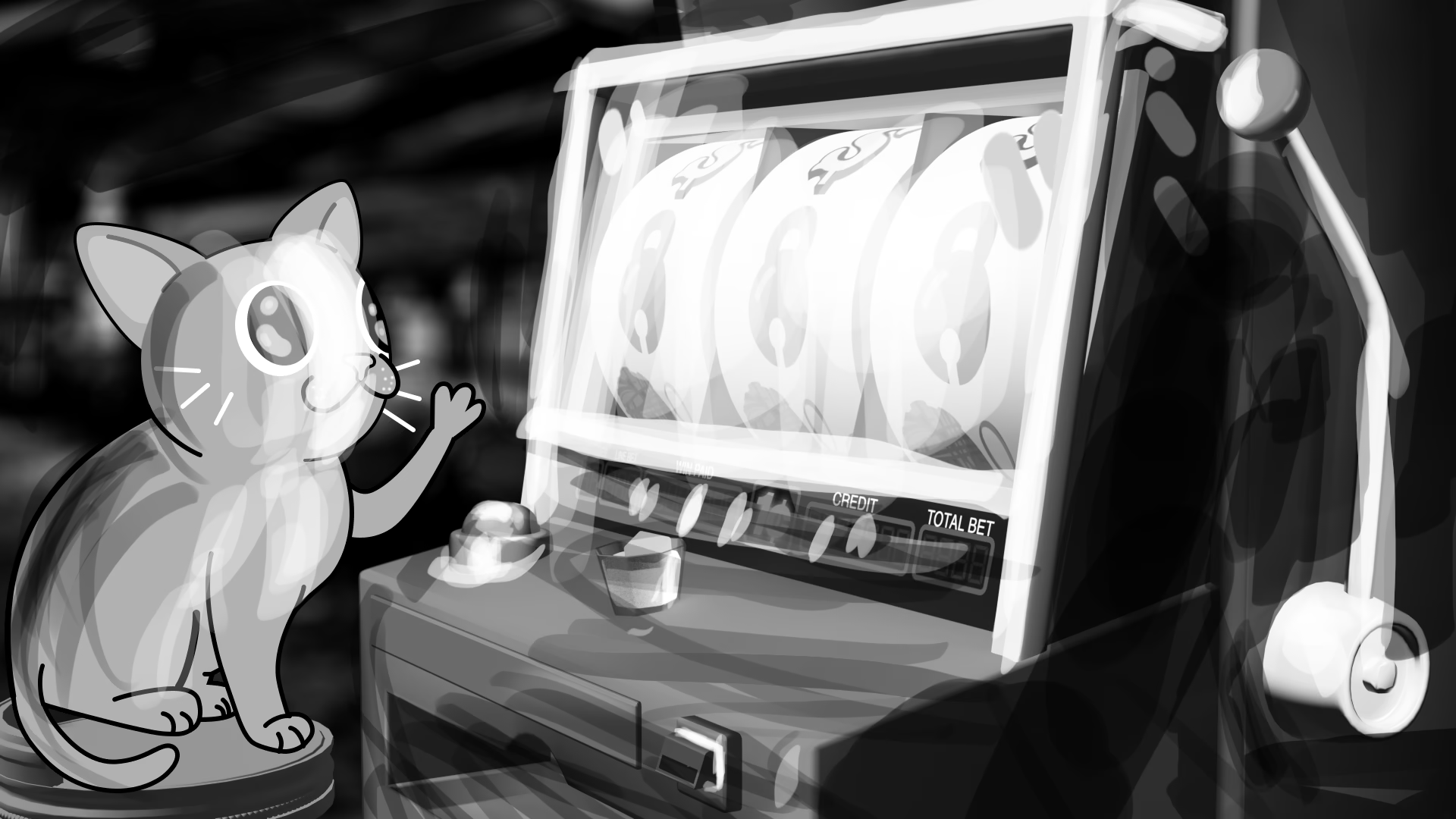
Next, I painted over the 3D still of the scene so I’d have an idea of how the cat would look within the scene, and also to get an idea of what colors I would use to texture the slot machine and background.
With everything mocked up, I began working on creating the slot machine icons. Since the scene revolved around a cat I decided to mix classic slot imagery with more cat themed symbols. In the end I created these 7 icons in Photoshop to appear on the slot machine. I wanted the slot machine to feel bright and flashy, so I tried to make each logo as bright and colorful as I could without going overboard.
I also went ahead and designed the score board logo at the bottom of the screen. I opted for an LCD display look since this was more of a classic slot machine.
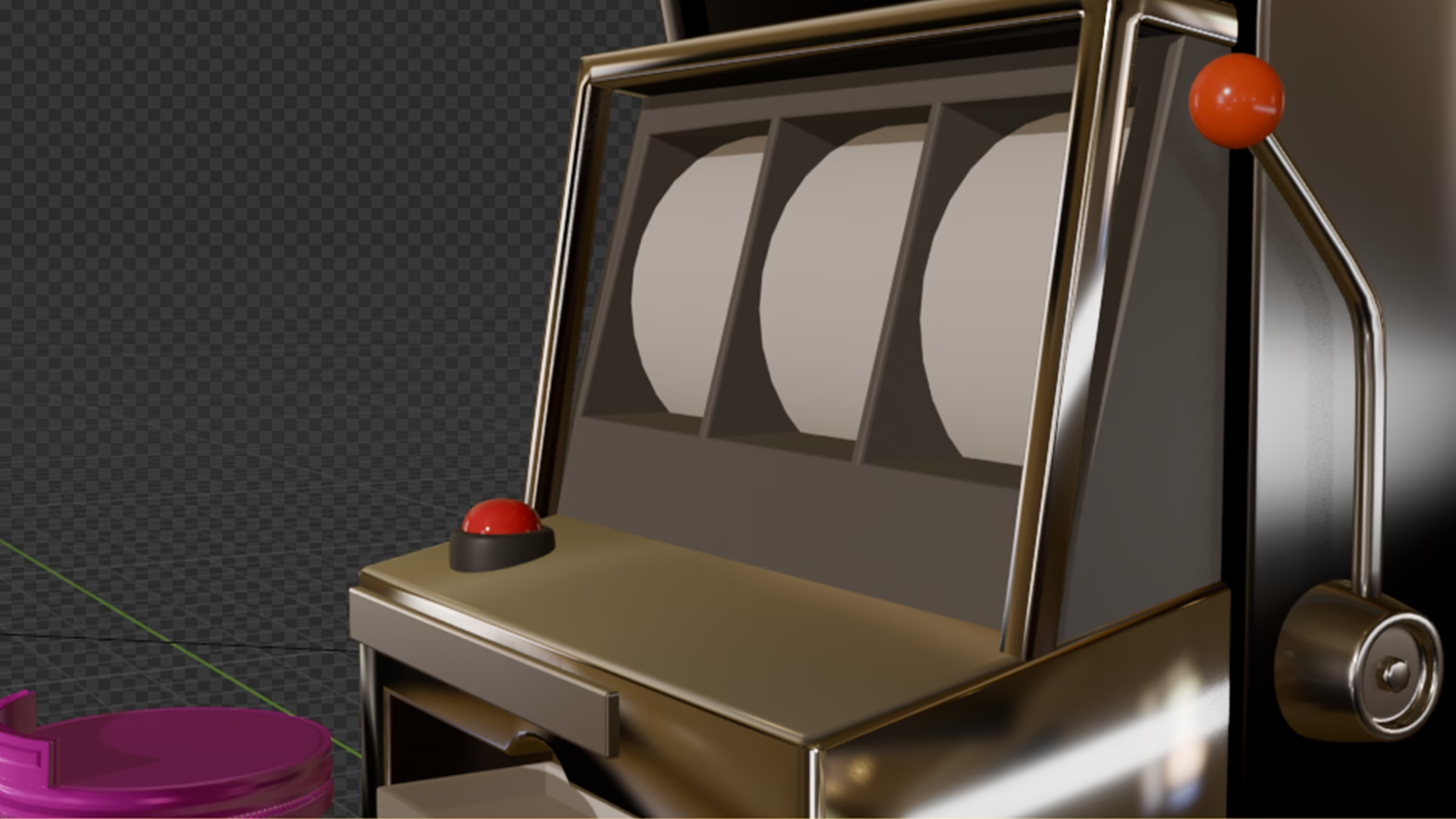
With the graphics for the slot machine created, I began experimenting with different textures for the model. After experimenting a little, I applied color gradients driven by geometry normals, and then lit the geometry with some area lights in blender. It wasn’t there yet, but I felt like I was getting the model closer to the stylized look I was going for. I also found an image within the public domain of a casino interior that I blurred as a background plate.
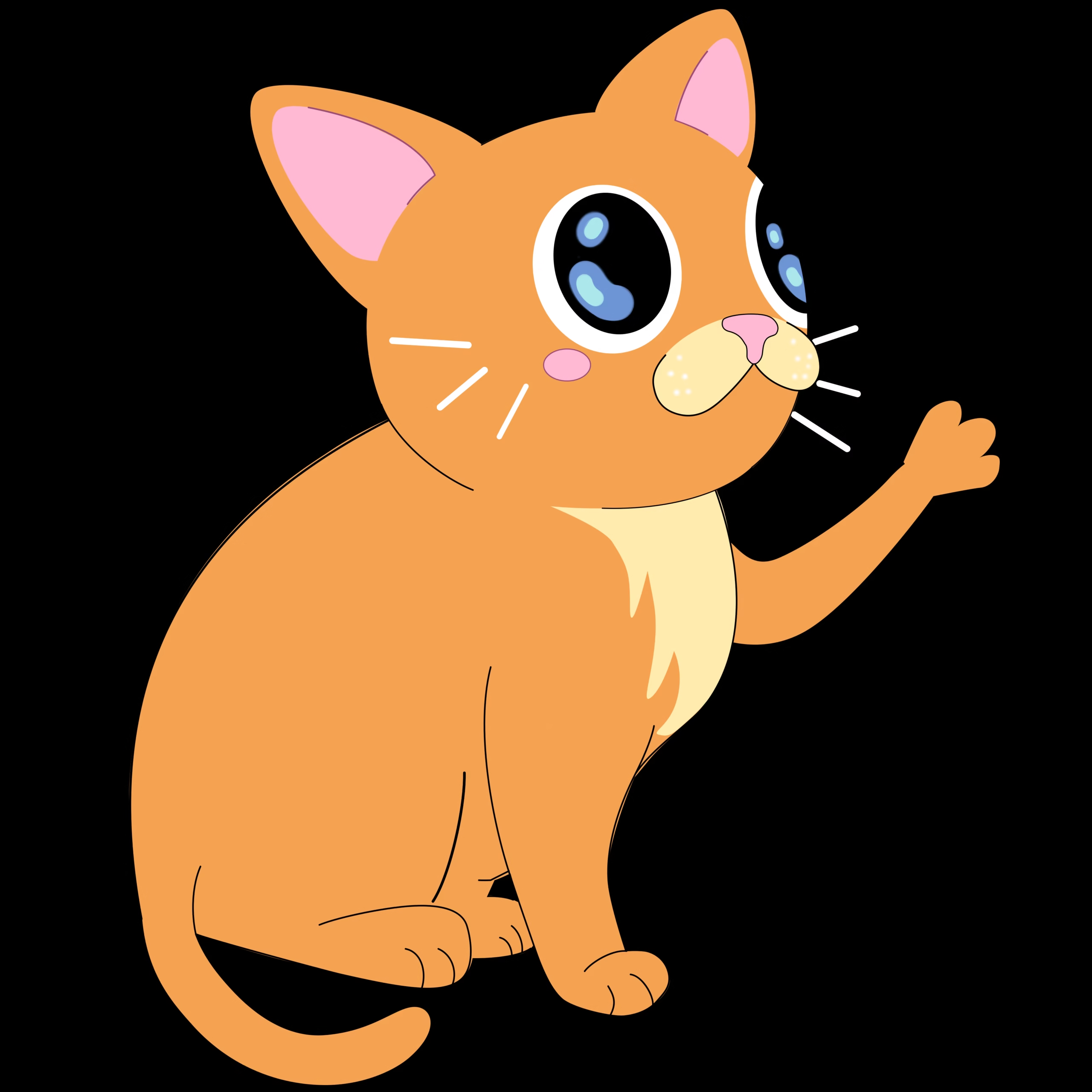
Using the rendered still of the textured slot machine as reference in Photoshop, I began designing the cat. I initially wanted the cat to have more almond shaped eyes and a white outline to contrast against the darker plate, but I found that it wasn’t quite working so I went for more of a wide eyed expression which I found more appealing. I had also initially planned for the cat to be purple, but I found that the orange stood out better against the background, and gambling feels like more of an orange cat activity so I decided to run with it. Once I had a good idea of what I was going for, I broke out the cat’s illustration into its own file where I dialed in the line weight and base colors more.
Before going further with the shading, I hopped back into the initial Photoshop file to create a quick value paint over. Casino’s are generally pretty dark on the inside, so I felt it worked well having the cat’s primary source of light coming from the screen of the slot machine.
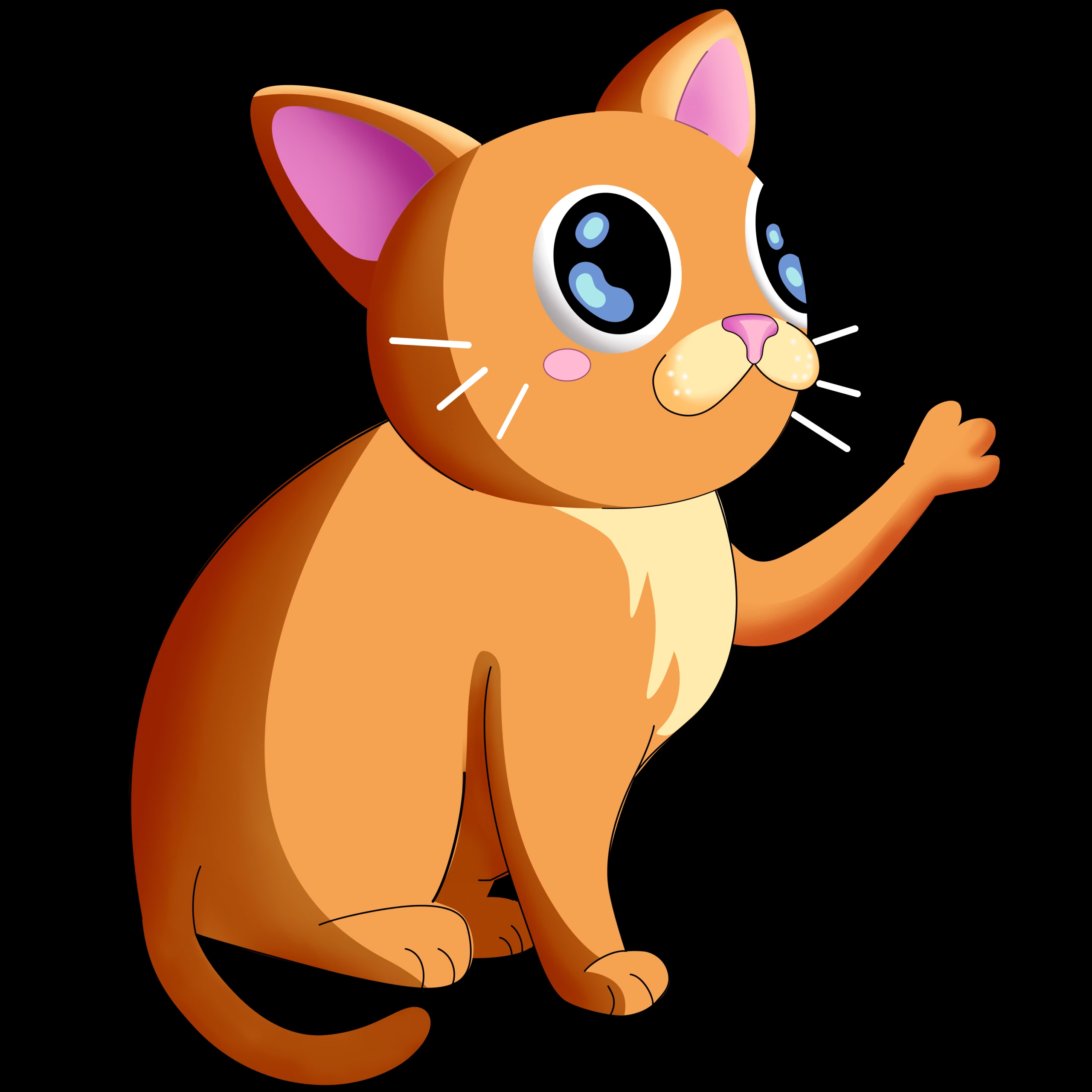
Now that I understood what the lighting setup was, I hopped back into Photoshop and added in the shadows and then the highlights to the cat’s illustration.
Before I animated the cat, I headed back into blender to iterate on the textures and lighting I had created earlier. I also added an image plane with our new cat illustration to get a sense of how the scene would look. I gave the slot machine an overall cooler tone, so that the cat and slot elements colors would pop more within the frame. I also made the surface of the slot machine reflective to make it feel like a metallic surface. In addition, I adjusted the background plate a little so there were less bright lights close to the cats face. Lastly, I turned down the brightness of the slot icons since I planned on then animating them to brighten as the slot roller landed on each icon.
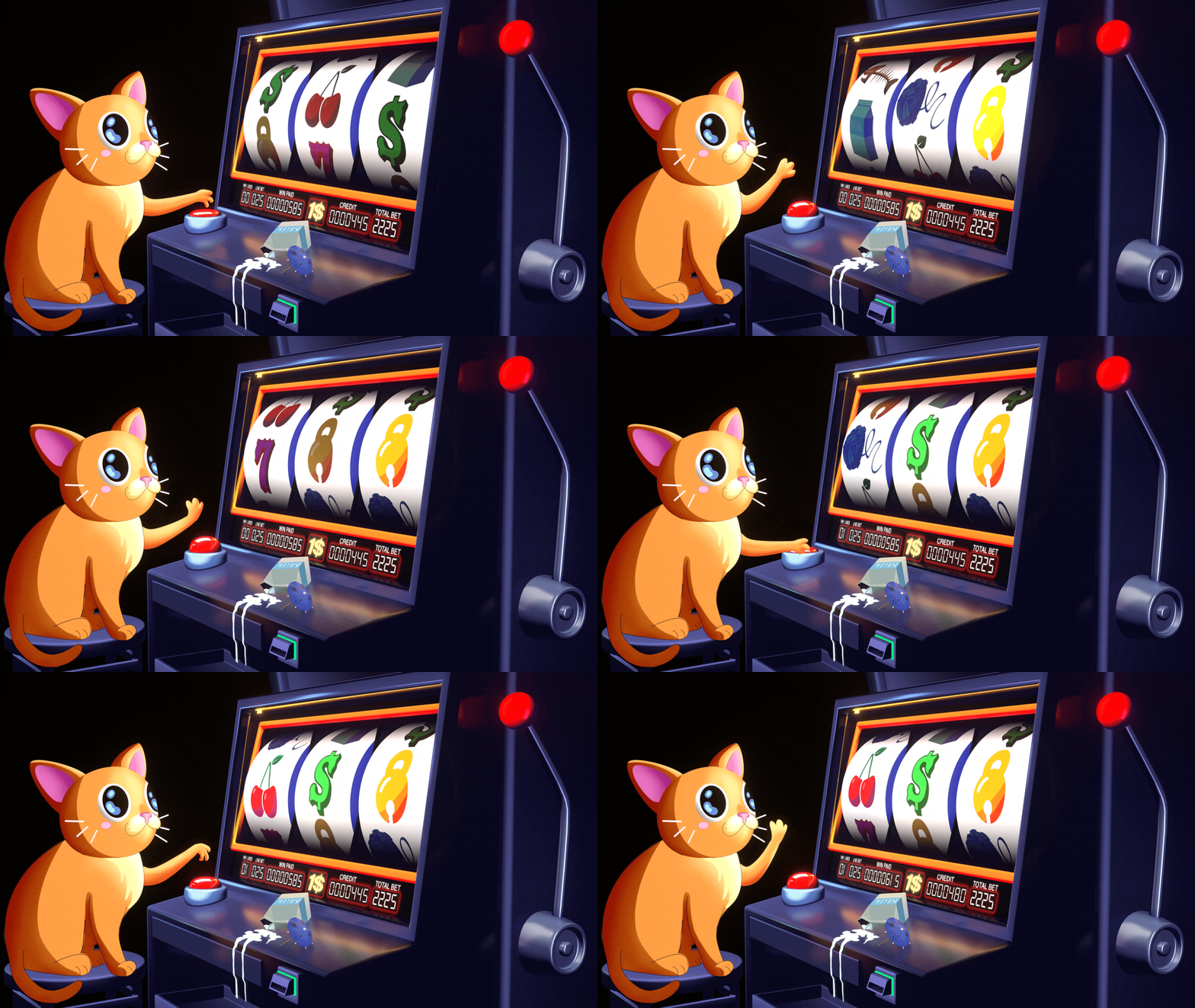
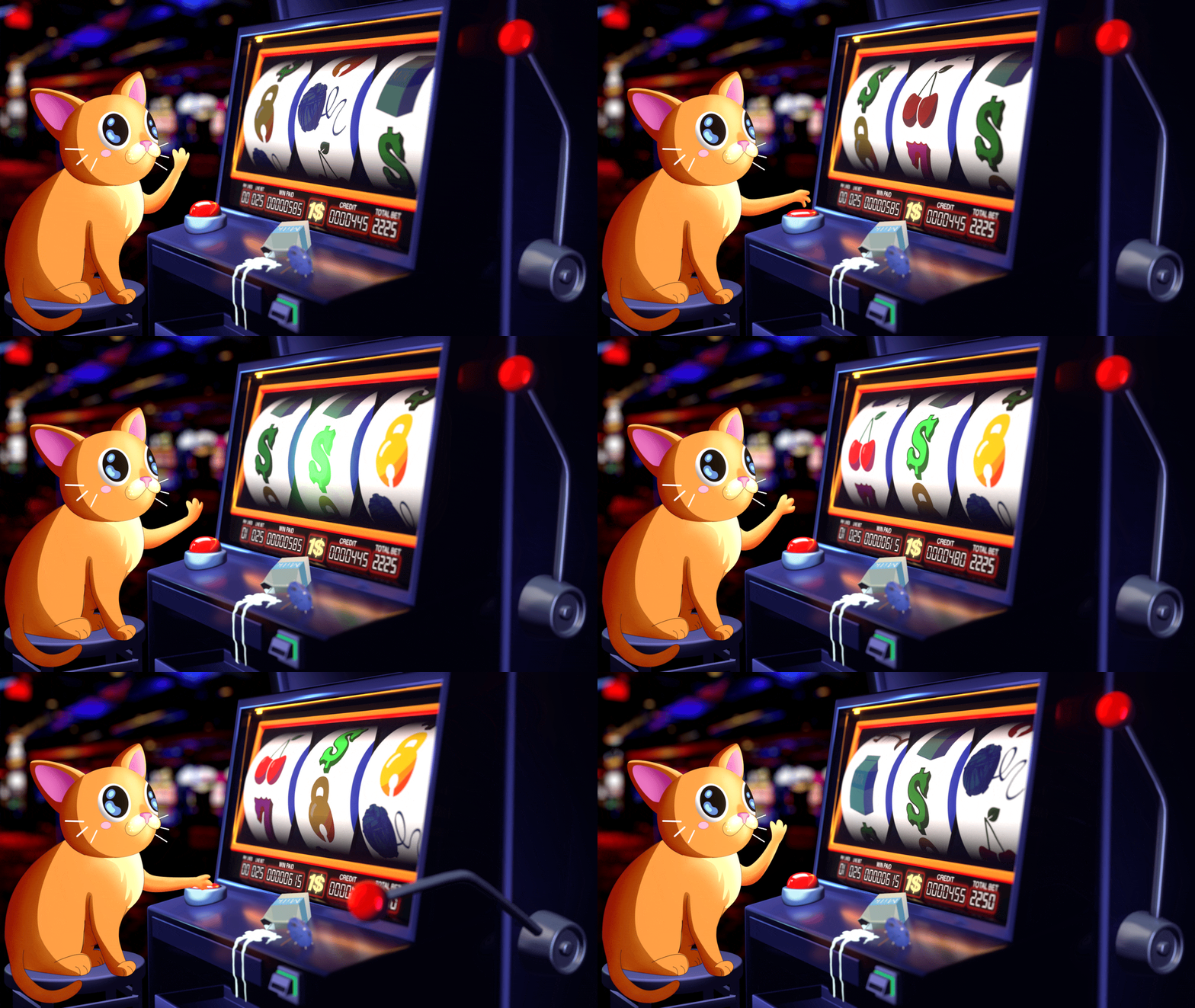
Finally it was time to animate the cat! I decided to create the animation from Photoshop since the motion was fairly simple and using Photoshop, I could manipulate the shading easier for the animation. I wanted the cat to be mindlessly hitting the button to roll the slot machine, so I created this 7 frame loop, then adjusted the shading within Photoshop to follow the motion of the arm. Lastly, I added a subtle 7 frame boil to the cat’s eyes to help the character feel more alive. Here was the final result:
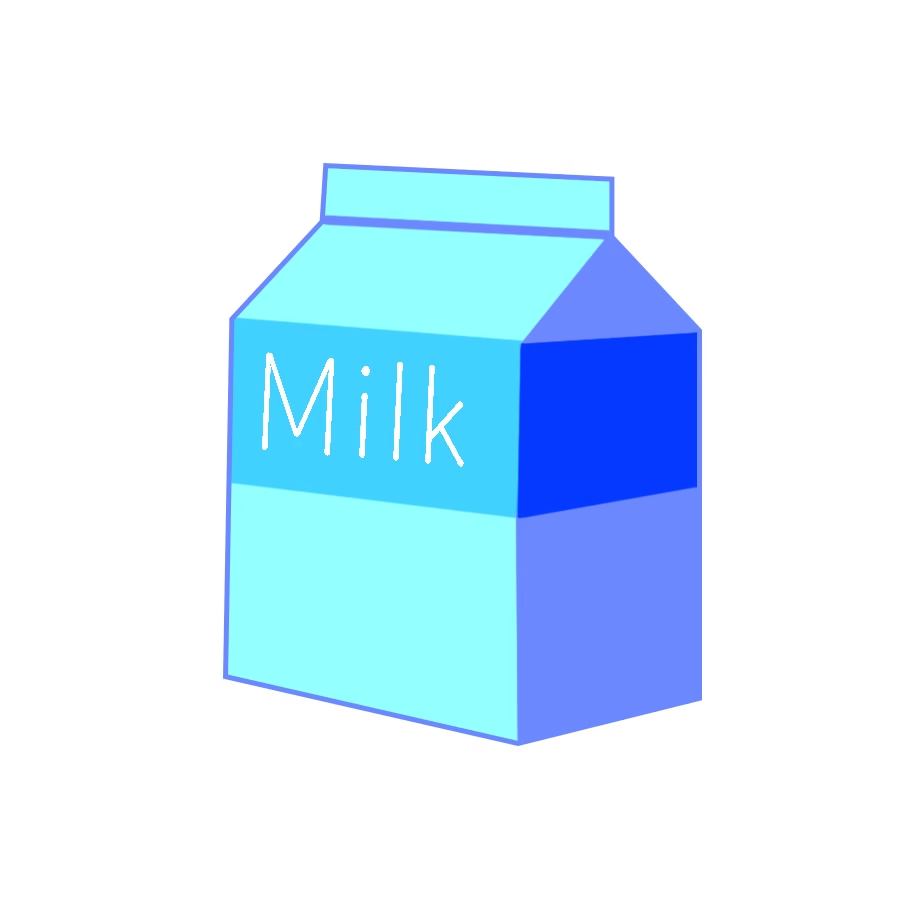
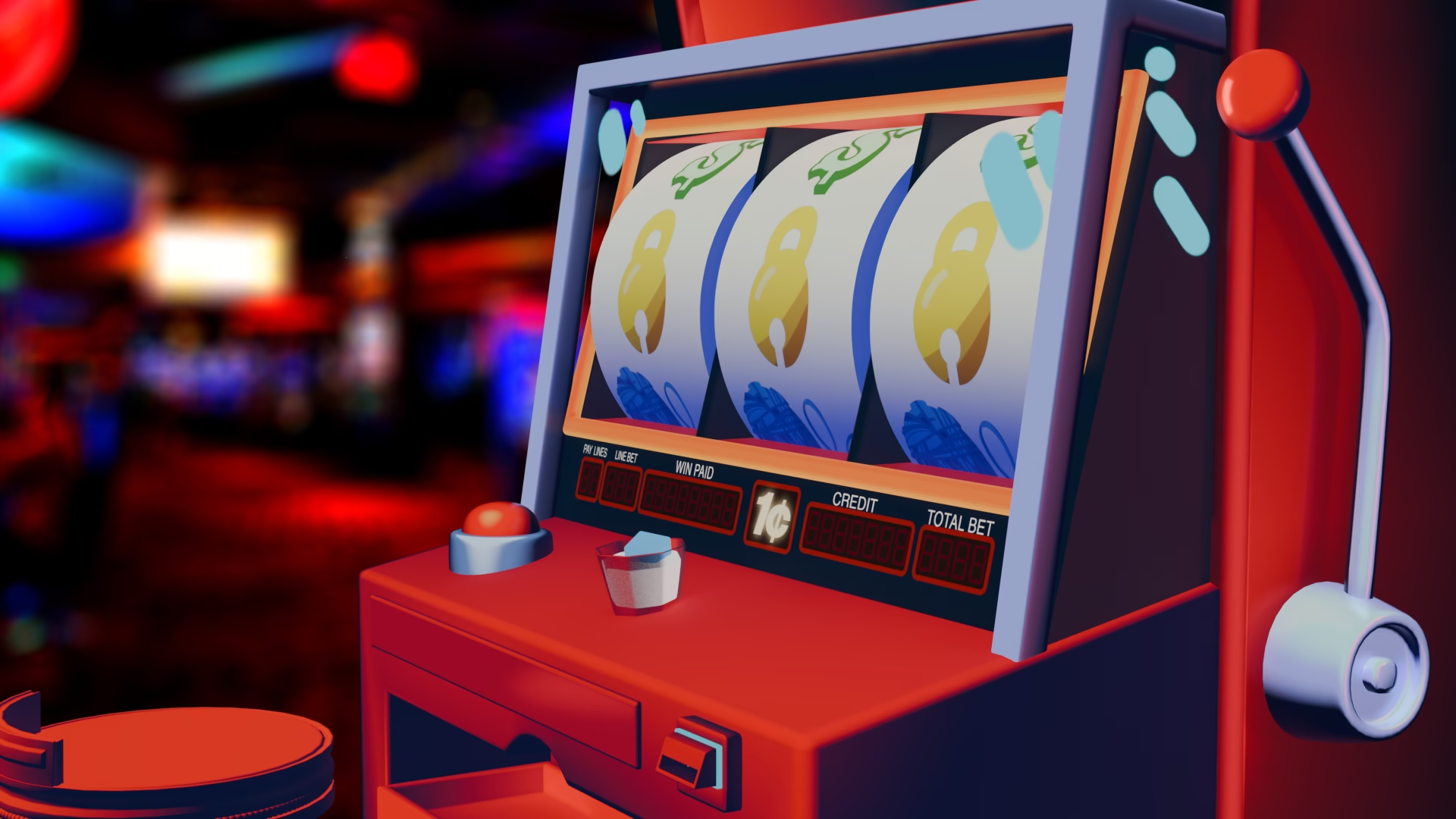
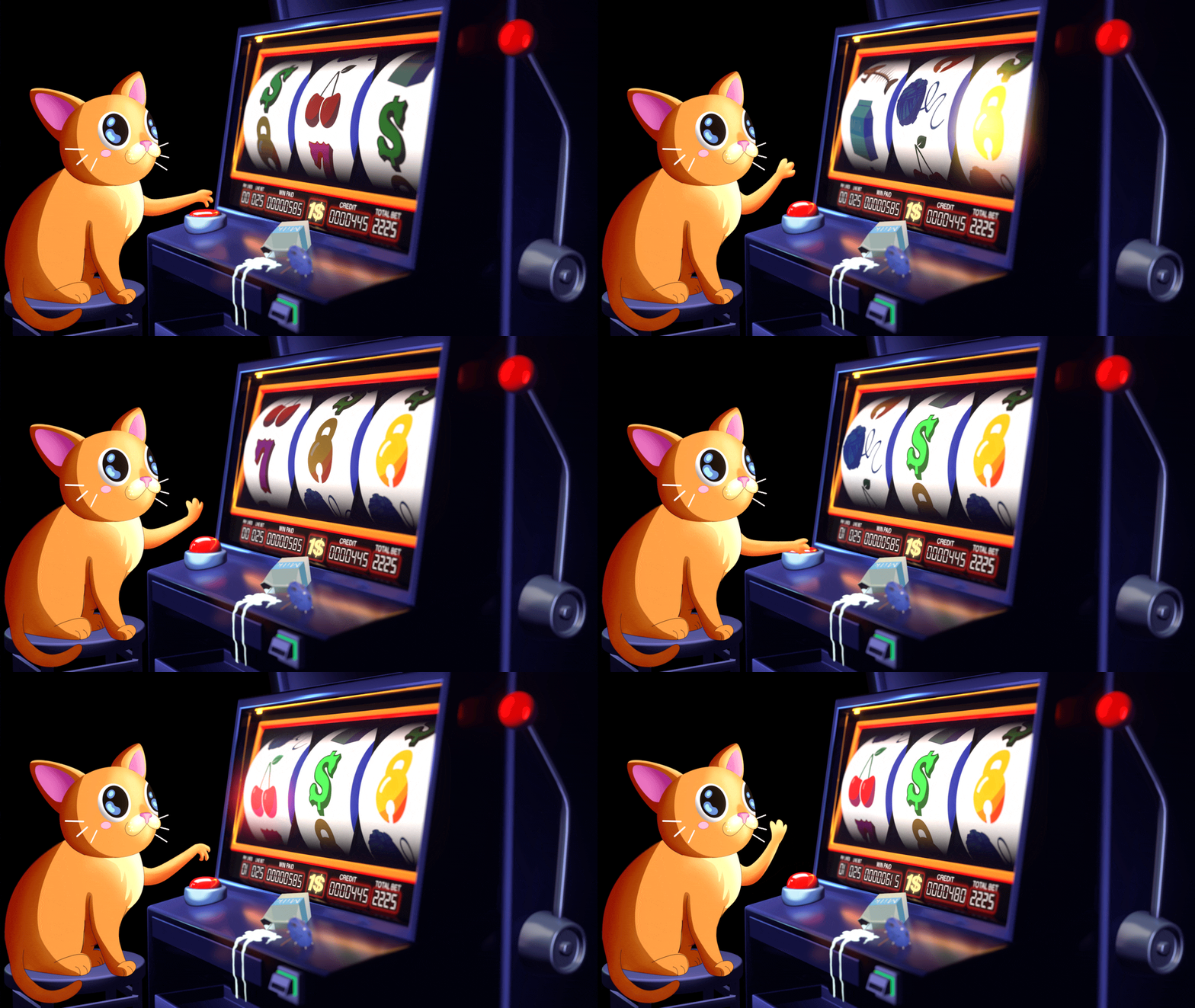
Now that I had the 2D character animated, I hopped back into Blender to animate the slot machine. First I added the 2D animation as an image sequence within Blender so that when I’d go to render, I’d have the all of the animated elements interacting with each other– including the reflection of the cat arm on the slot machine’s counter top. Then I animated the button the cat interacts with, slot rollers, the handle, and the brightness of the icons. I also animated the score board to update in After Effects, and overlayed the score animation within Blender. Lastly, I felt like the slot machine’s counter was a little bare, so I quickly modeled a spilled milk box with a cocktail umbrella for some added humor. When I went to render, I also made sure to turn off the background plate since I planned on compositing the background in after effects. Here’s what the render looked like from Blender:
With all of the foreground elements animated I moved on to compositing! Before bringing the render into After Effects, I added a quick depth of field effect in Nuke using a depth pass I had rendered out from Blender. I also used a crypto matte pass I had rendered out to add even more bloom to each slot icon when they appeared. It’s a small detail, but I feel like it adds a lot to the feel of the slot machine animation.
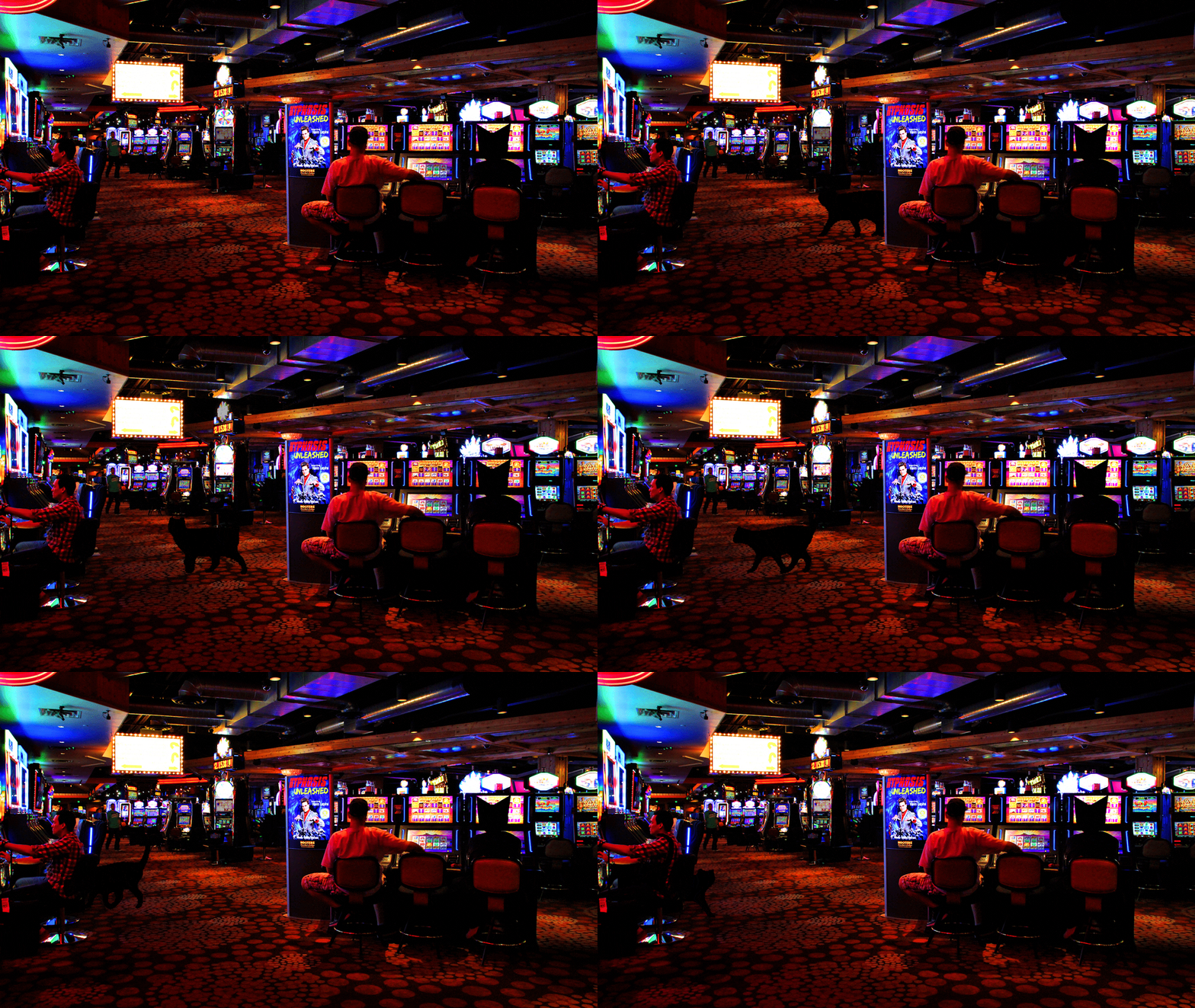
Now that all of the foreground elements were finished, I brought the render into After Effects to work on the background. While I liked the blurred image I had been using, I felt like it needed more subtle movement to help it feel like a room the cat was inside of and not just a still image. To help achieve this effect I masked off some of the slot machines that were behind the cat and keyed their exposure to give the effect of other slot machine’s being played behind him. I also added an animated silhouette of a cat walking behind him to help give the feel that there are other cats within the casino. Lastly, I added some cat ears to one of the other slot players that was going to be visible behind our cat. It looks a little strange, but once I added the lens blur to the background plate these small details really helped give the background dimension and not feel like it was just an image plane.
I overlayed the foreground animation over the background and the animation was complete! All that was left was to create the sound design. After adding all the beeps, button presses, and slot machine dings, the project was complete!